EN
36
Updating the Radio List Manually
You can perform a manual update of the Internet Radio List at any time.
1 First disable the automatic update (see ‘Disabling the Automatic Radio List
Update’ above).
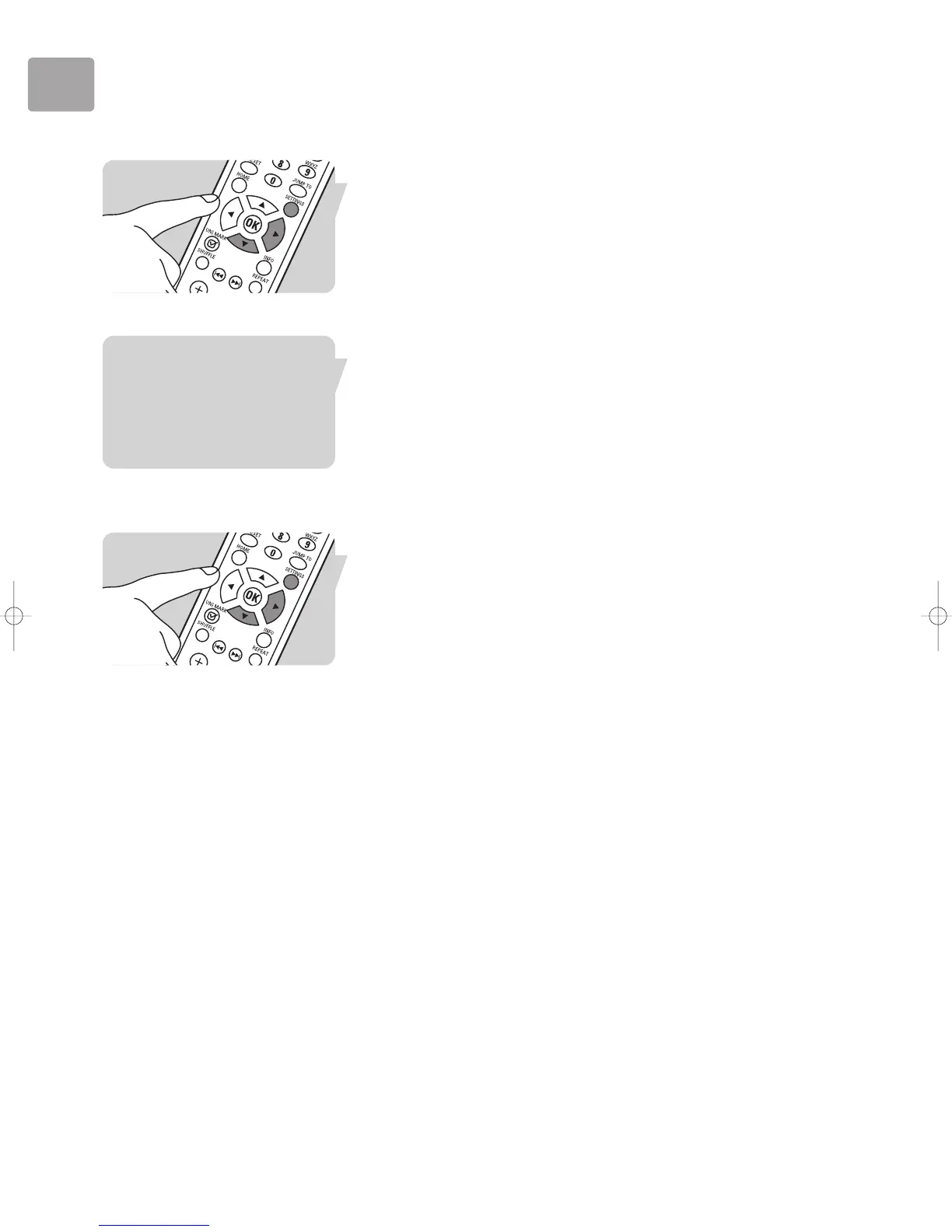
1 Press SETTINGS (X) to display the Settings menu.
3 Press 4 until ‘Internet Radio’ is highlighted. Press 2.
4 Press 4 until ‘Manual Update’ is highlighted. Press 2.
5 When the prompt ‘Start Update?’ is displayed, press 2 to start the manual update.
> The LCD screen displays: ‘Update in Progress. Please wait’.
Note:This function is not available if there is no Internet access available on the
wireless network.The ;/2 button cannot be used while an update is being
performed.
Re-enabling the Automatic Radio List Update
If the automatic update has been disabled (e.g. in order to perform a manual update)
follow these steps to re-enable it:
1 Press SETTINGS (X) to display the Settings menu.
2 Press 4 until ‘Internet Radio’ is highlighted. Press 2.
3 Press 4 until ‘Automatic Update [ ]’ is highlighted. Press 2.
4 Press 2 to change the setting to Yes [*].
5 Press 2 to complete the change.


 To Next Page