18
English
5
Close the door and press the green power on/off
button once to select the UV clean cycle.
Note: You can only switch on the sanitizer if the door is
properly closed.
Note: The sanitizer stops operating if you open the door
during the sanitizer cycle.
Note: The sanitizer cycle takes approximately 10 minutes
and then switches off automatically.
The sanitizer is in operation when the light glows
through the window.
Charging and battery status
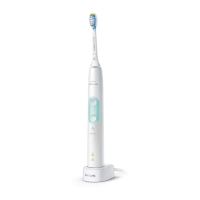
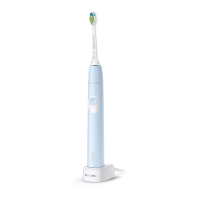
This Philips Sonicare toothbrush is designed to provide at
least 28 brushing sessions, each session lasting 2 minutes
(14 days if used twice per day) on a fully charged battery.
The battery indicator shows the battery status when you
complete the 2-minute brushing session, when you pause
the toothbrush, or while it is charging.
Note: It can take up to 24 hours to fully charge the
battery before first use, but you can use the Philips
Sonicare toothbrush before it is fully charged.
Charging
Charging on charger or UV Sanitizer
1
Plug the charger or sanitizer into an electrical outlet.
2
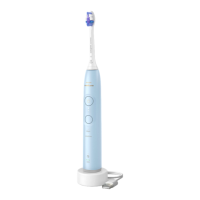
Place the handle on the charger or sanitizer.
- The handle emits 2 short beeps to confirm that the
handle is placed properly.
- The flashing light of the battery indicator shows that
the toothbrush is charging.
- When the handle is fully charged on the charger, the
battery indicator lights up green for 30 seconds and
then switches off.
Battery status
Battery status (handle on plugged-in charger)
When the handle is placed on the charger, the battery
indicator shows the battery level.





 To Next Page