Philips Digital Photo Frame
Getting started
EN - 13
• The preloaded videos have copy protection and cannot be
duplicated to any other device.
• To erase the videos from the PhotoFrame will permanently remove
the videos as well as the Video Library mode from the main menu.
Please consider carefully before doing so because once deleted
there is no way to retrieve the videos. This PhotoFrame only
supports the preloaded videos and does not support any other
video.
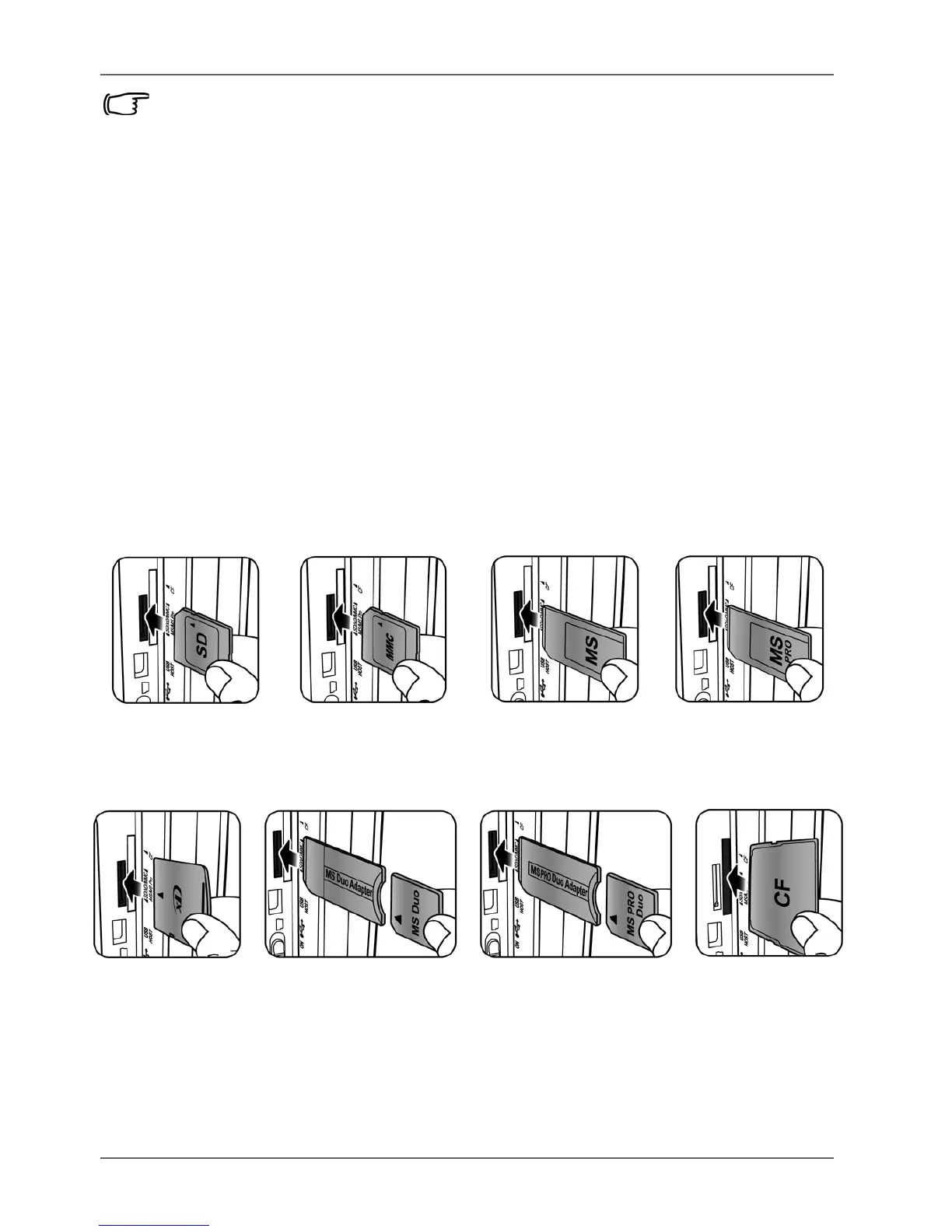
Inserting a memory card
To play back your own picture and music files, insert a picture/
music loaded memory card or USB flash drive into the
corresponding slot on the left side of the PhotoFrame.
To insert the memory card:
Insert the memory card into the memory card slot as illustrated
below.



 To Next Page