Source mode EN - 26
Philips Digital Photo Frame
Press / to view the previous/next month.
press / to go to the previous/next picture.
Please go to “Time Setup” under the “Setup” mode to set the
Calendar.
Source mode
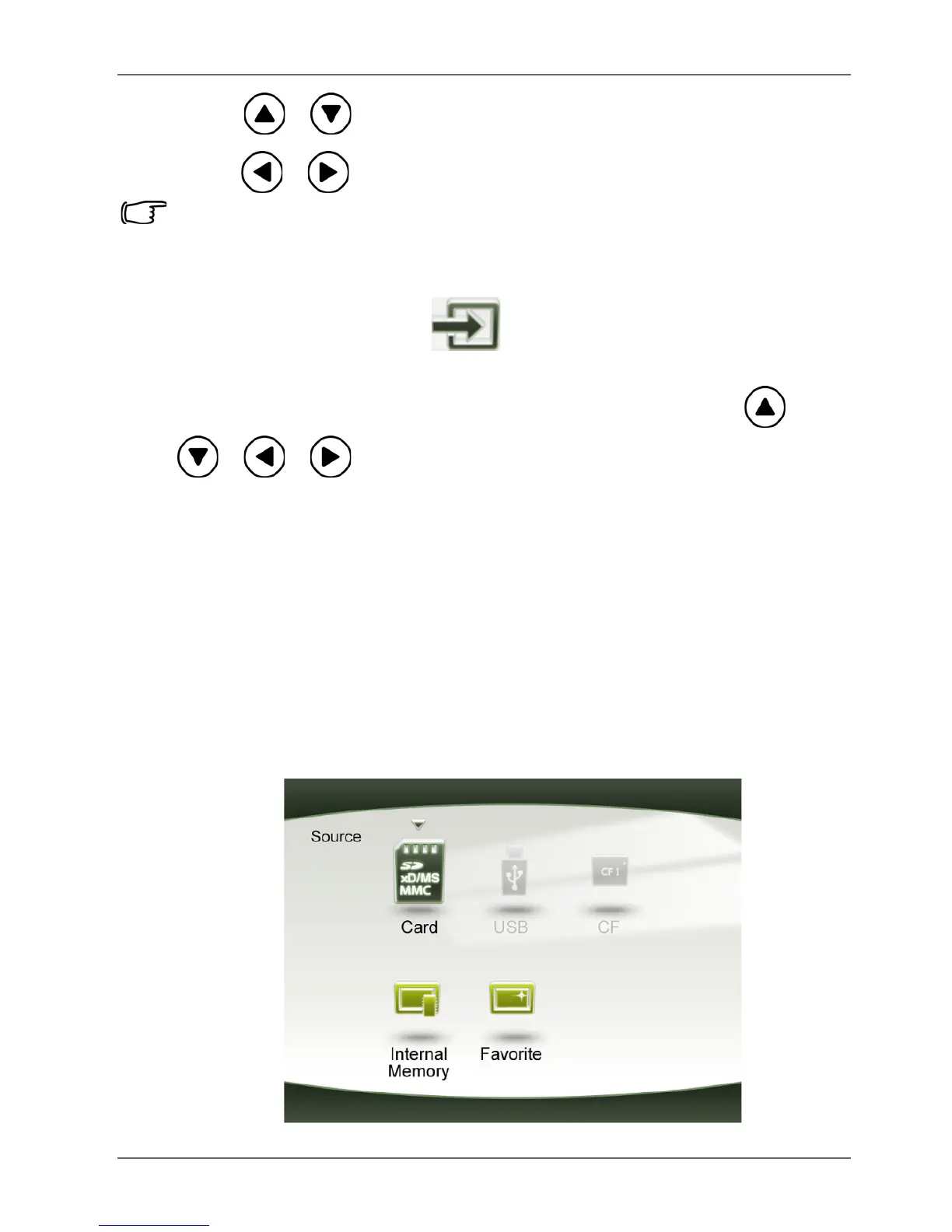
The Source mode allows you to select the source of the pictures
or music to be played back on the PhotoFrame. Press /
/ / to select from the following source options:
■ Card: displays the picture/music files stored in the inserted
SD/SDHC, MMC, MS, MS PRO or xD memory card.
■ USB: displays the picture/music files in the inserted USB
flash drive.
■ CF: displays the picture/music files in the inserted CF card.
■ Internal Memory: displays the picture/music files copied to
the internal memory.
■ Favorite: displays the picture/music files copied to the
Favorite disk area in the internal memory.



 To Next Page