Music Mode EN - 22
Philips Digital Photo Frame
Music Mode
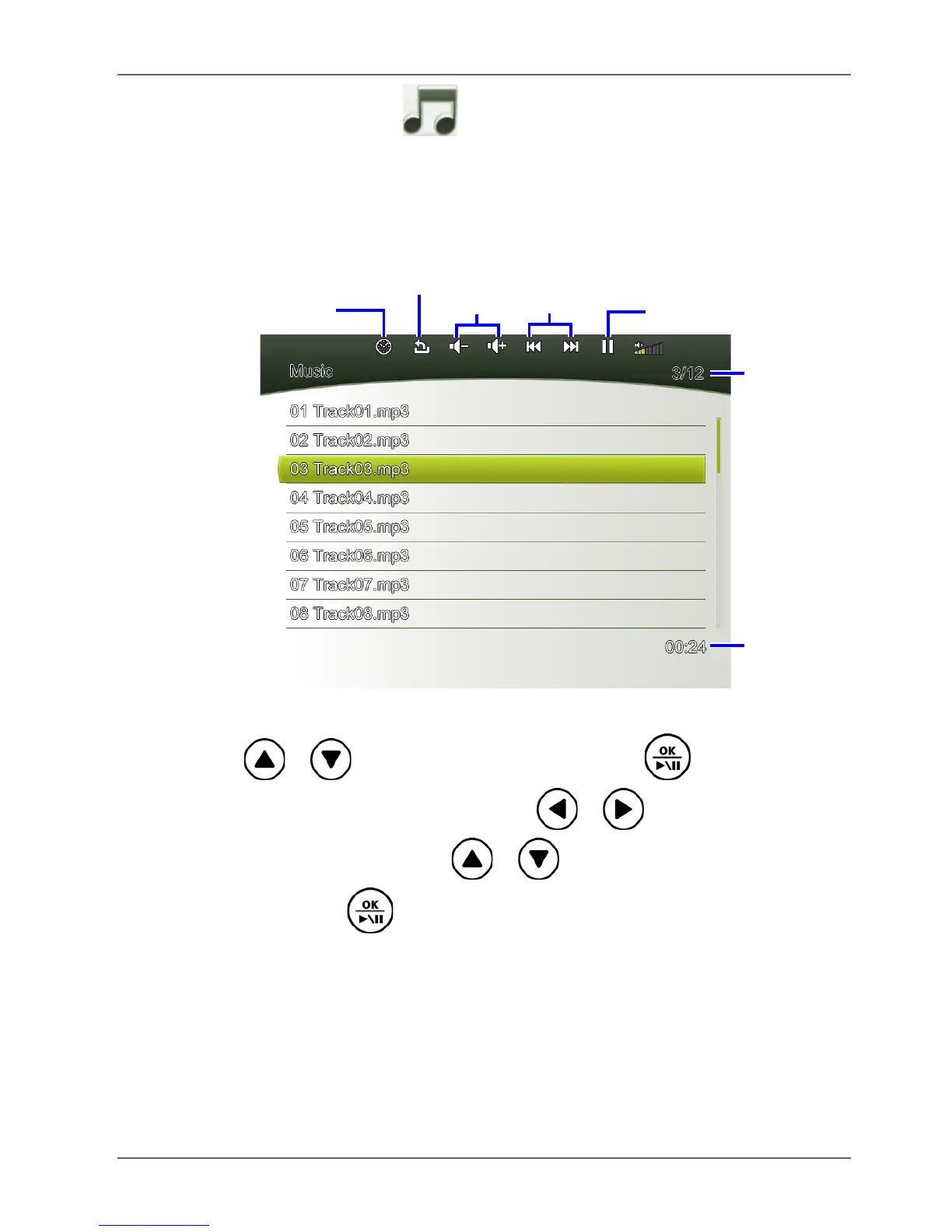
The Music mode allows you to listen to music files that are stored
in the PhotoFrame (including Internal Memory and Favorite), in a
memory card or in the inserted USB flash drive.
Press / to select a track and press to start music
playback. To adjust volume, press / . To go to the
previous/next track, press / . To pause/resume
playback, press .



 To Next Page