Philips Digital Photo Frame
Collage mode
EN - 25
To pause playback in Collage view, press one time. To
press twice will start playback in normal Slideshow view
(without any Collage effect).
Switching between Collage view and
Clock view
When in Collage view, you can press repeatedly to switch
between Collage view and Clock view. When in Clock view, press
/ to select a desired clock type. See "Displaying the
clock" on page 18 for more details.
If you are not in Collage View, pressing repeatedly will allow you
to switch between normal Slideshow view (without any Collage
effect) and Clock view.
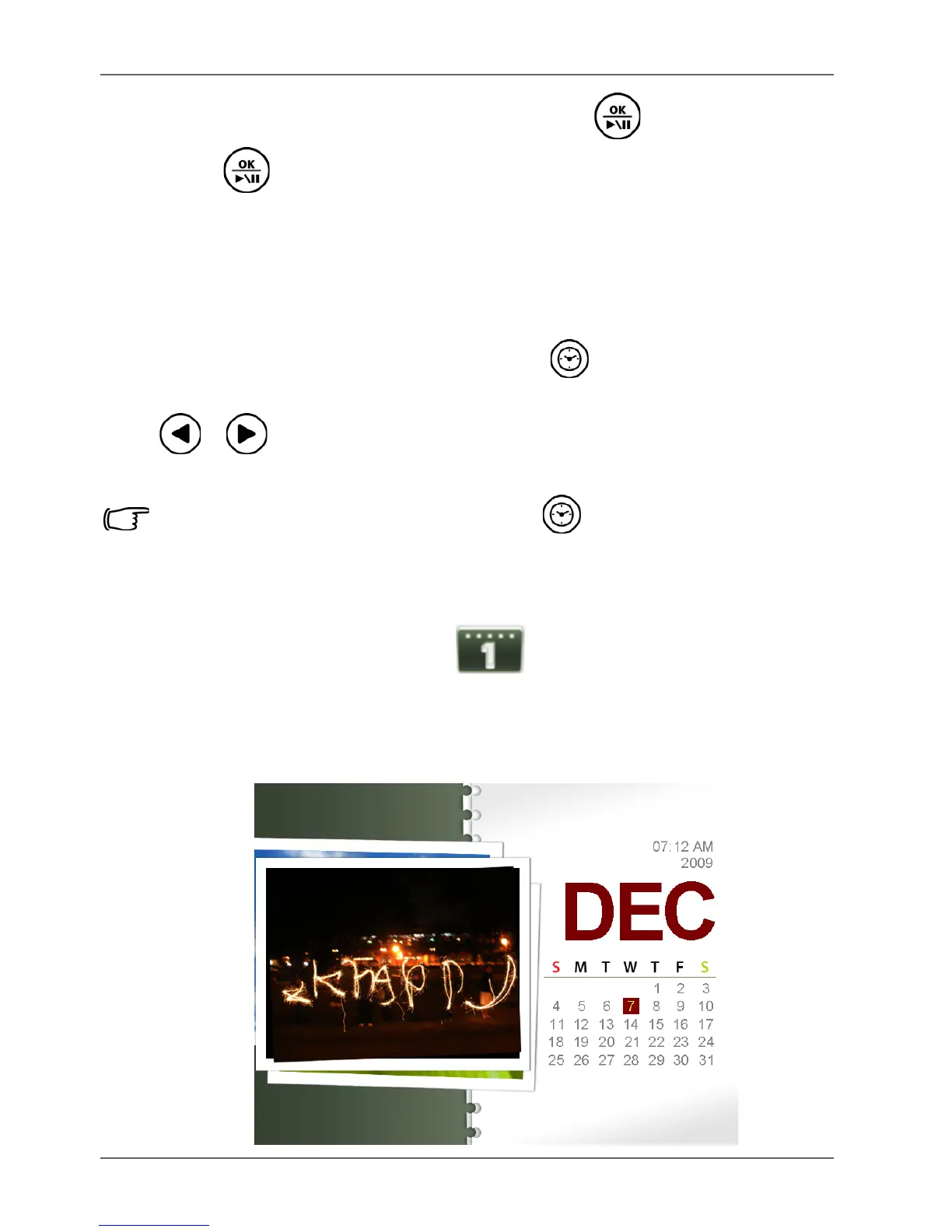
Calendar mode
After you enter the Calendar mode, current time and date will be
shown on the screen. The pictures beside the calendar will be
played back as slideshow.



 To Next Page