Collage mode EN - 24
Philips Digital Photo Frame
2. In File mode, press / to highlight the unwanted video
and press to select the file. Repeat this step to add more
files.
3. Press to open the file edit menu. Select Delete and press
to delete the selected file(s). To confirm the action, select
OK and press .
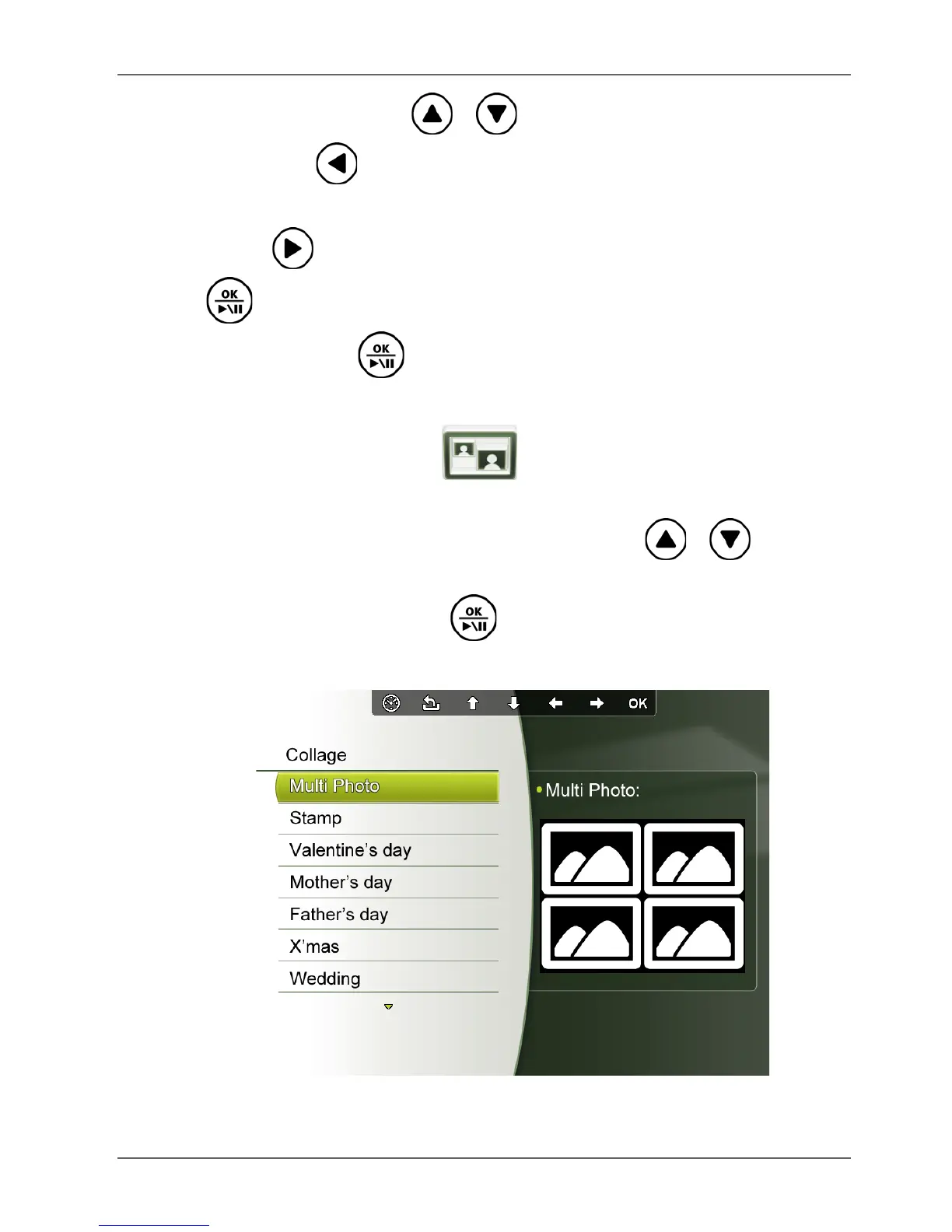
Collage mode
The Collage mode allows you to play back pictures in slideshow
with various themes of Collage effects. Press / to select
a theme and its Collage effect will be displayed in the preview
window to the right. Press to start playback in your selected
Collage view automatically.



 To Next Page