Philips Digital Photo Frame
File mode
EN - 27
File mode
Before using the File mode, select the source of files from the Source
mode first. Refer to "Source mode" on page 26 for details.
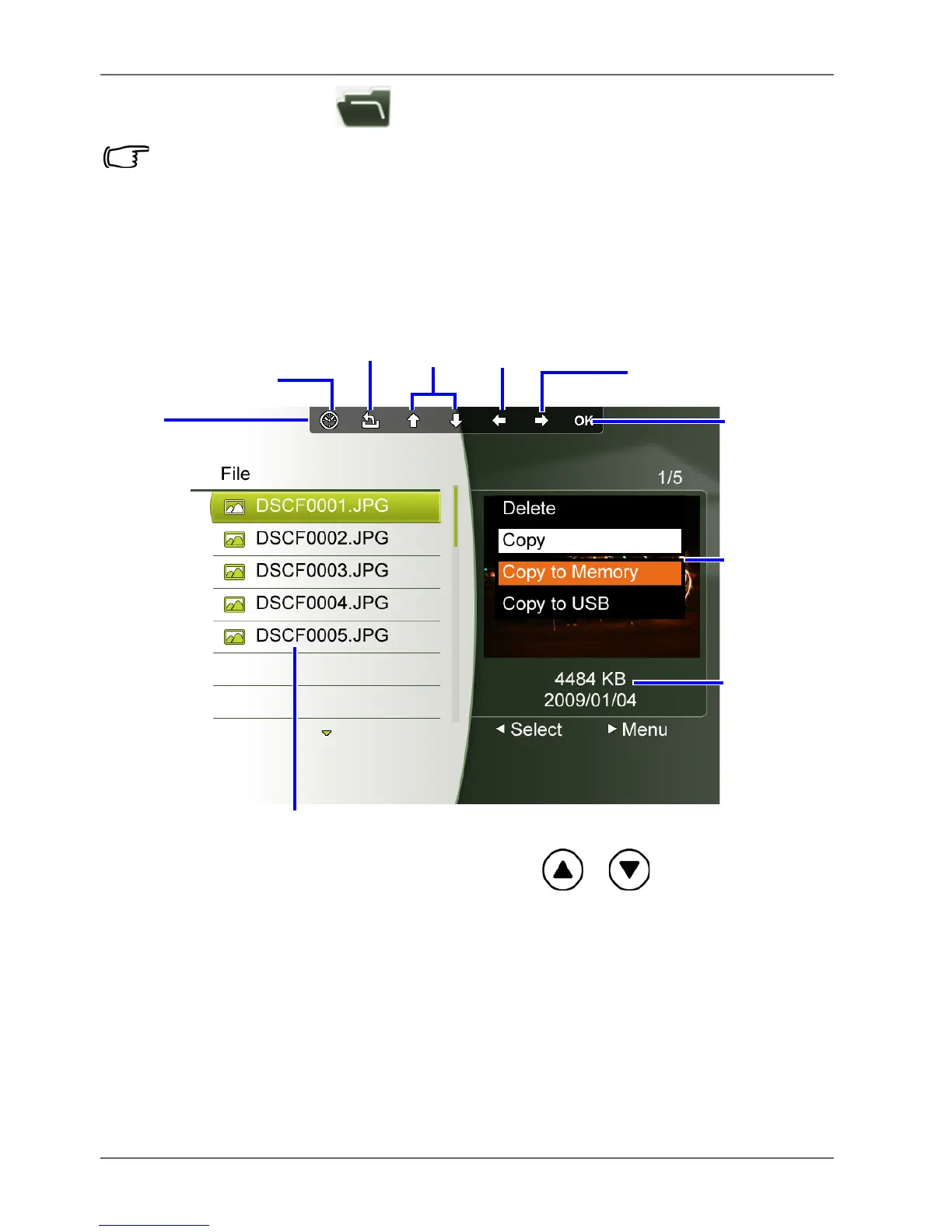
The File mode allows you to view the information of the files
stored in the PhotoFrame (including Internal Memory, Favorite
and preloaded Video Library), in the inserted memory card or in
the inserted USB flash drive, such as the file size.
After you enter the File mode, press / to select a file
and its thumbnail or detailed information will be seen in the
preview window to the right.



 To Next Page