Operating the PhotoFrame EN - 18
Philips Digital Photo Frame
Selecting a mode
In the main menu, press / to toggle among the following
modes: Photo, Music, Video Library, Collage, Calendar, File,
Source and Setup.
Displaying the clock
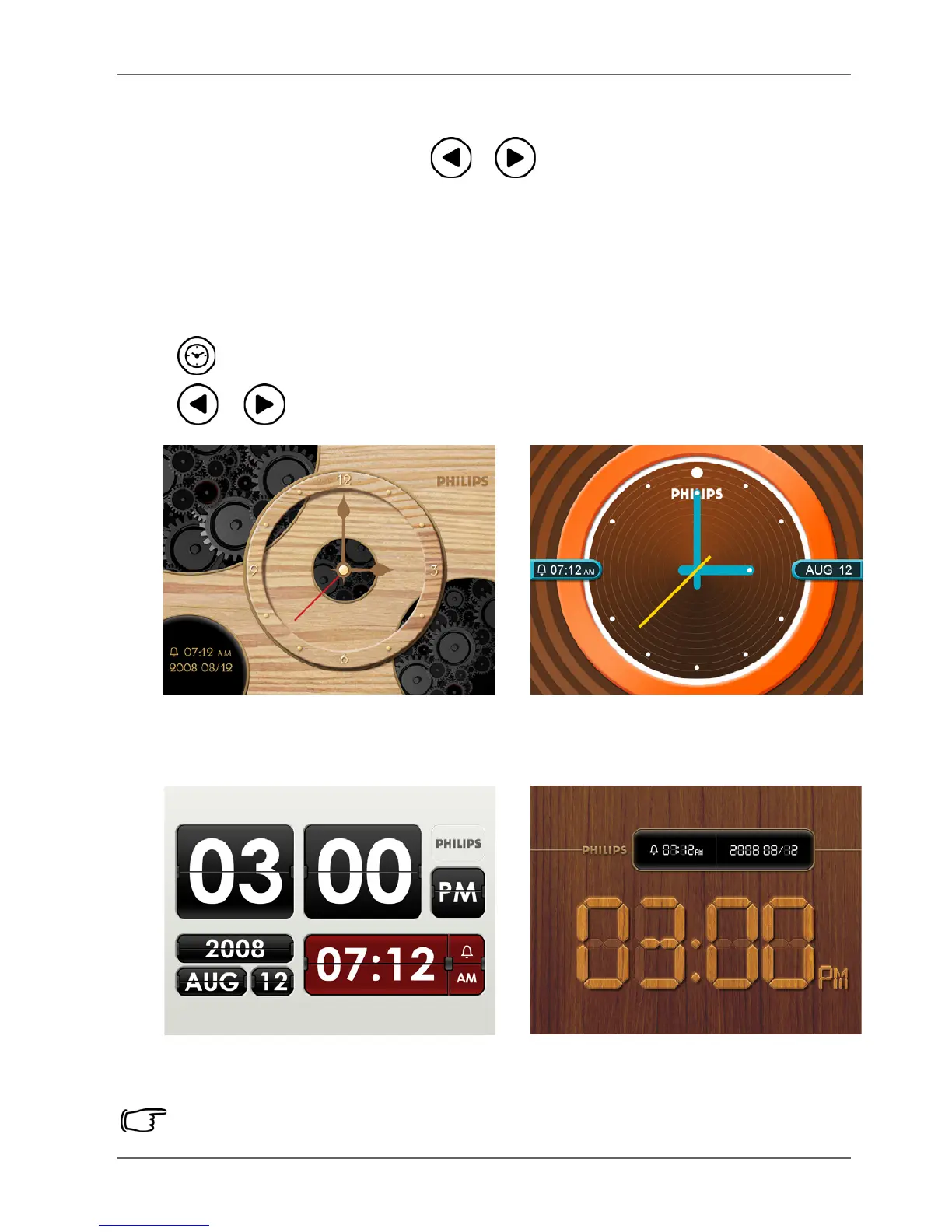
The Clock view provides four skin types of clock display. Press
twice to display the Clock view. When in Clock view, press
/ to select a desired type.
Please go to “Time Setup” under the “Setup” mode to set the Time.



 To Next Page