EN12
6 Product
specifications
Note
• Specificationsanddesignaresubjectto
change without notice.
Amplifier
• RMStotaloutputpower:
30WRMS(+/-0.5dB,10%THD)
• Frequencyresponse:50Hz-15kHz/
±3 dB
• Signal-to-noiseratio:
>65dB(CCIR)/(A-weighted)
• TotalHarmonicDistortion:<1%
• Inputsensitivity:
• LINEIN:500mV+/-50mV
Bluetooth
• Bluetoothprofiles:A2DP,AVRCP
• Bluetoothversion:4.2
• Frequencyband/Outputpower:
2402-2480 MHz /
≤
20 dBm
Main unit
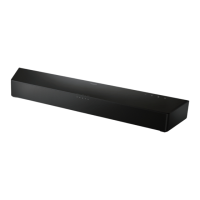
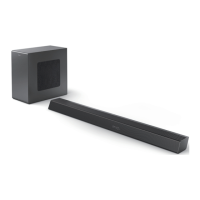
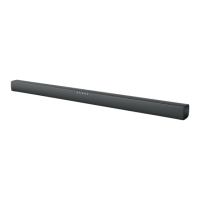
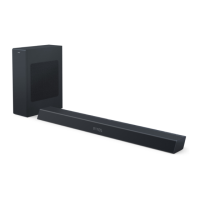
Soundbar
• Powersupply:100-240V
~
, 50/60 Hz
• Powerconsumption:15V/1.6A
• Standbypowerconsumption:
≤
0.5 W
• Dimensions(WxHxD):
960 x 65.5 x 91 mm
• Weight:1.56kg
• Built-in speakers: 2 x full range
(52mm/2",4ohm)
Remote control batteries
• 2xAAA-R03-1.5V
Standby information
• Whentheproductremainsinactivefor
15 minutes, it automatically switches to
standby or networked standby.
• Whentheproduct(soundbar)remains
standby information, the power
consumption in standby is less than
2W.
• TodeactivateBluetoothconnection,
press and hold the Bluetooth button
on the remote control.
• ToactivateBluetoothconnection,
enable Bluetooth connection on your
Bluetooth device.



 To Next Page