Turning on Your VCR (cont’d) 11
5
If you do not want to set up the Cable Box Controller now,
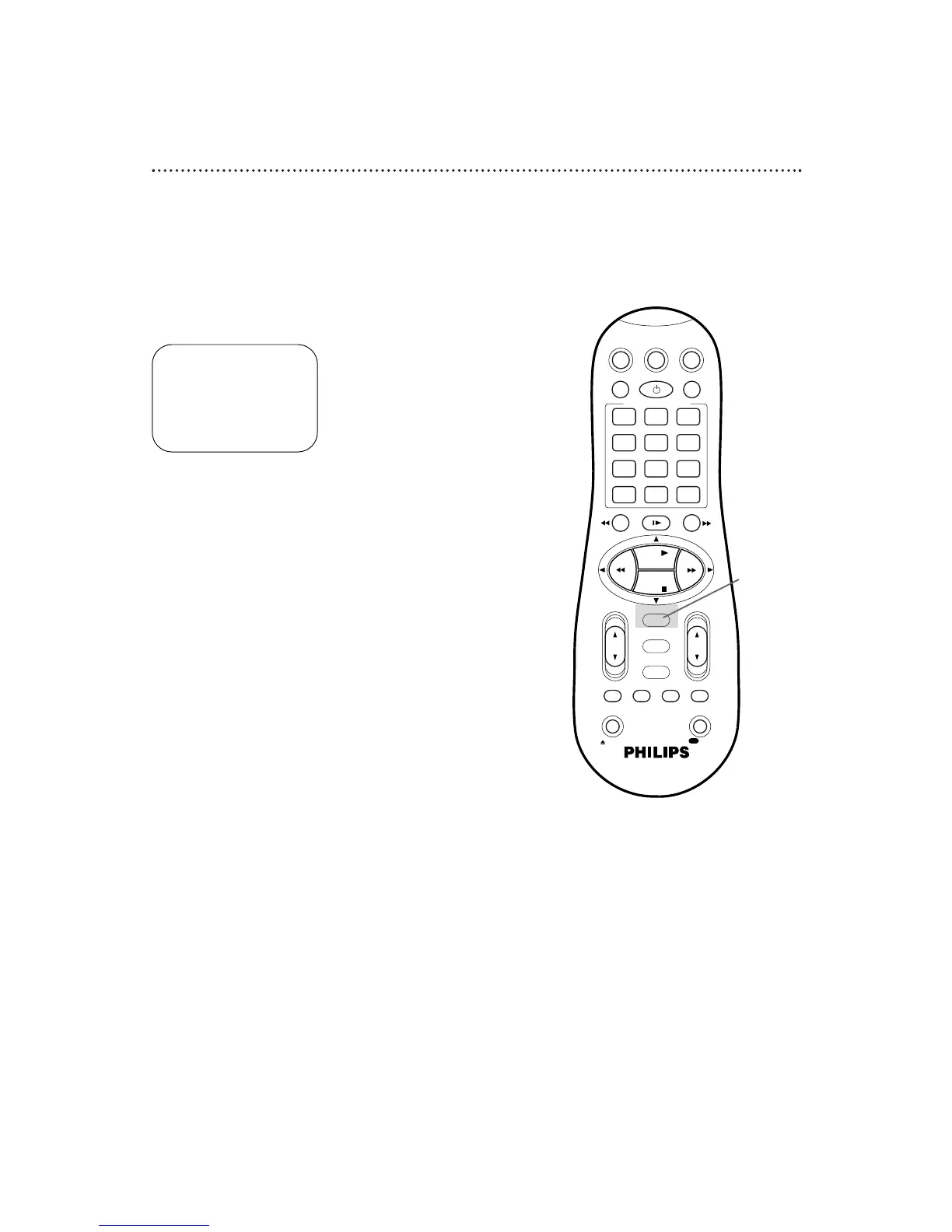
press the OK/STATUS button to leave the Controller
turned OFF. The display shown below will appear on the
screen. Proceed to step 6. You may set up the Controller later
by following the instructions on pages 49-53.
If you do want to set up the Cable Box Controller now,
follow steps 5-8 on pages 50-51 now.
6
Press the OK/STATUS button to begin automatic channel
setup. AUTO CH. SET PROCEEDING PLEASE WAIT will appear
on the screen. The VCR will memorize all of the channels you
receive, so when you scan through channels using the CH(annel)
8/9 button, you’ll only scan through channels that you receive.
7
When channels are set up, AUTO CH. SET COMPLETED will
appear on the screen briefly.
7
Wait for the VCR to set up
channels.
CONNECT ANTENNA OR CABLE
TO VCR FOR AUTO CH. SET
READY: OK
END: MENU
5-6


 To Next Page