1
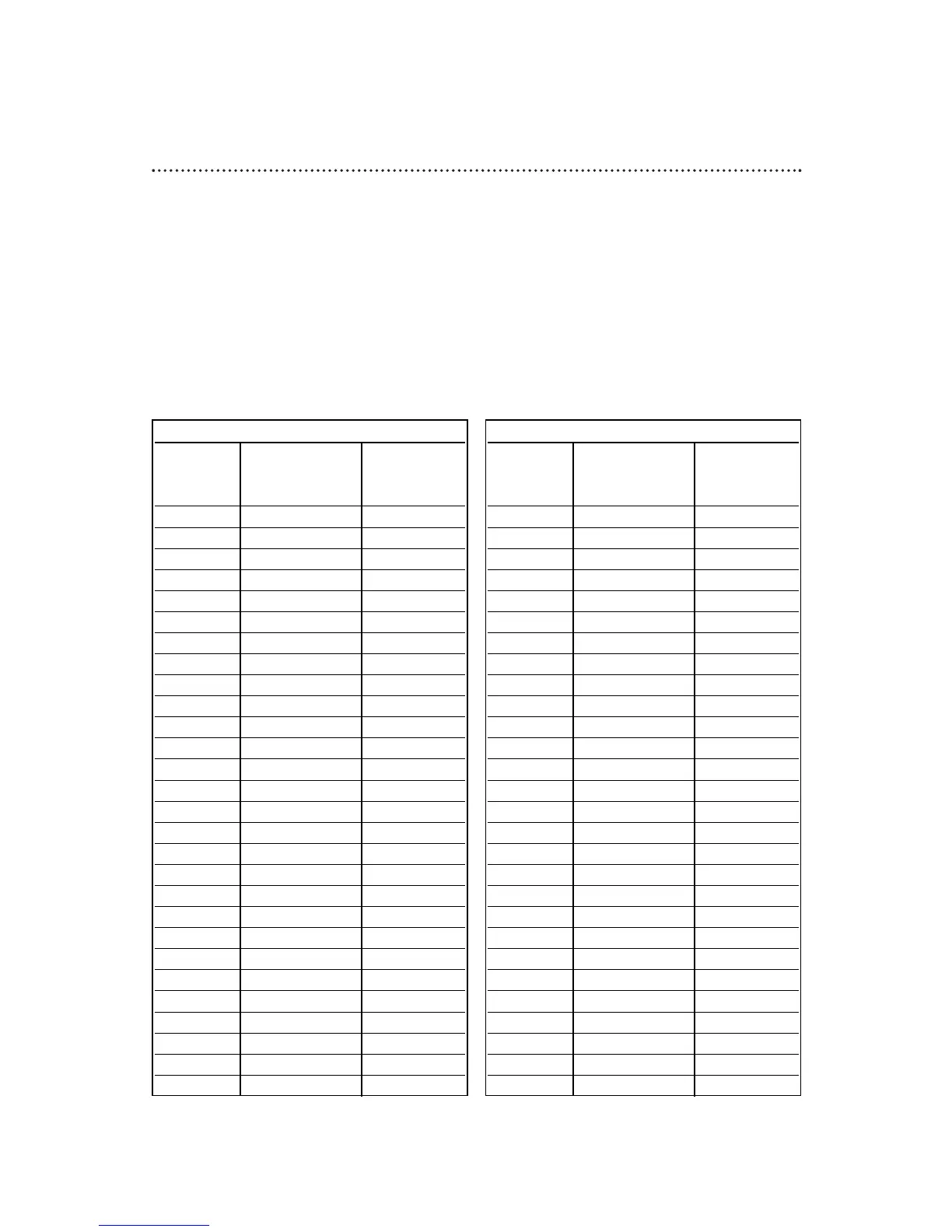
First, fill in the boxes on this page. It will only take a few minutes, and you must do it if you want the VCR
Plus+ programming system to work properly.
Since the channel numbers of the stations you receive may not be the same as the station numbers, and
since channel numbers differ from area to area, you must program the VCR with your local channel
information. To fill in the boxes, you will need 1) a cable channel list, if applicable (you can request one
from your cable company), and 2) a chart that lists VCR Plus+ channel numbers, which you can find in your
TV guide or the TV listings of your local newspaper.
NOTE: If you are using a Cable Box/DBS and are not using the Controller, the Cable/TV
channel must be 03 or 04 (the Cable Box/DBS output channel) for every VCR Plus+ channel.
Channels
Station
Call Letters
VCR PLUS+ CH.
CABLE/TV CH.
Channels
Station
Call Letters
VCR PLUS+ CH.
CABLE/TV CH.
36 Setting Up the VCR Plus+ Programming System


 To Next Page