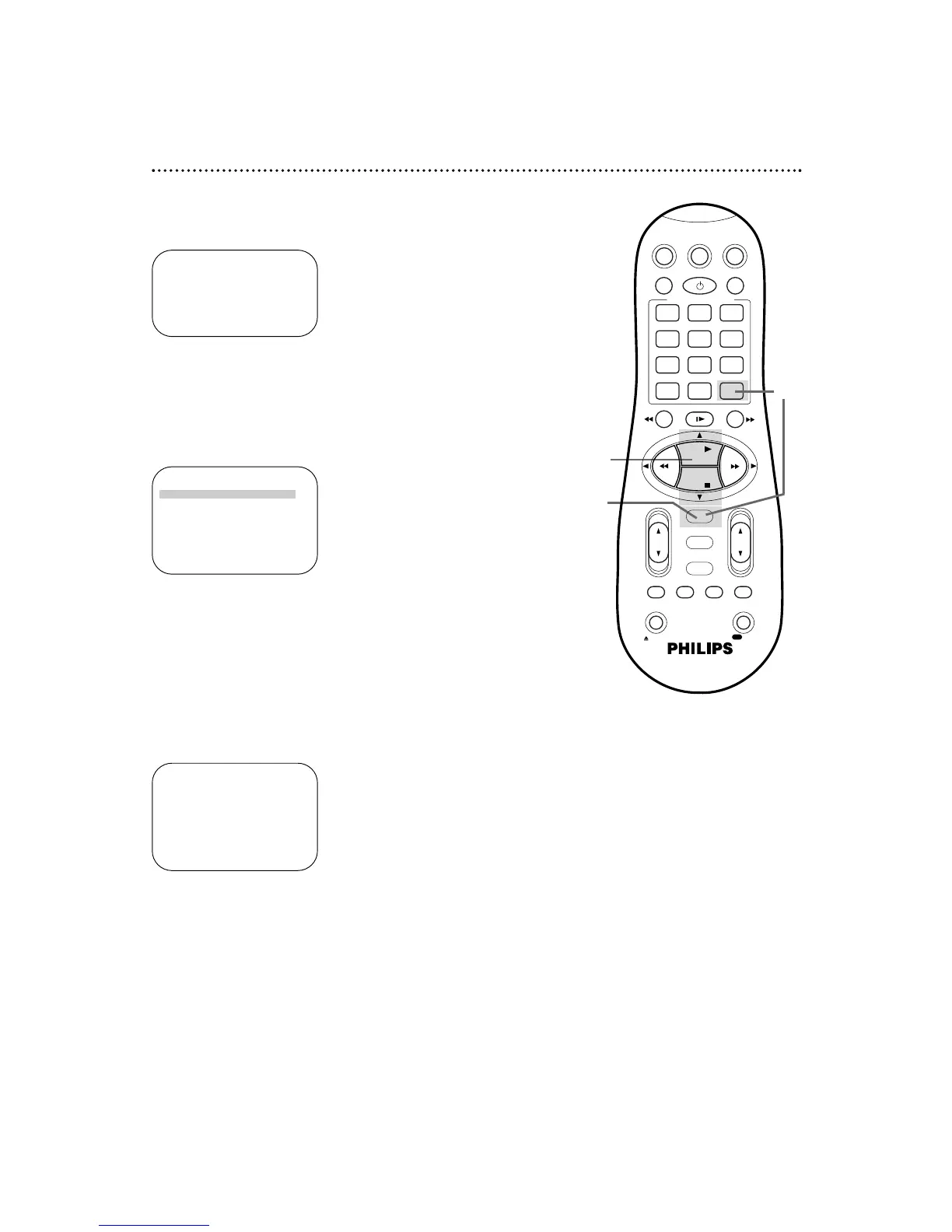
PR CH START STOP DATE
1 12 08:00P 10:00D07/21
2 36 10:00P 12:00 08/10
3 24 11:00P 01:00 08/10
4 45 03:00P 03:15W10/15
5
6
7
8
SELECT: ,9 CONFIRM: OK
3
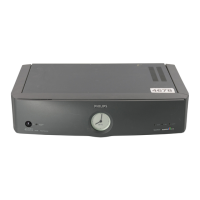
Press the OK/STATUS button to select the program.
Information about the chosen program will appear.
2
Press the PLAY 8 or STOP 9 button to move the red
highlight to the program that you want to change.
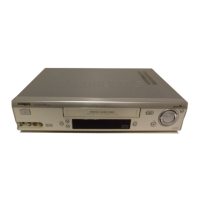
ONE TIME PROGRAM
PROGRAM 3
CHANNEL +/– 24 CABLE/TV
START +/– 11:00 PM
STOP +/– 01:00 AM
REC SPEED SLP
DATE +/– 08/10/00
THURSDAY
ERASE: CLEAR
CONFIRM: OK END: TIMER
3
2
4
If the timer recording you just set overlaps a previously set
program, “PROGRAM NOT COMPLETED/PROGRAM
OVERLAP” will appear on the screen for five seconds. To correct
the overlapping recordings, follow the steps below.
PROGRAM NOT COMPLETED
PROGRAM OVERLAP
1
The program review screen will appear automatically after
“PROGRAM NOT COMPLETED/PROGRAM OVERLAP.” The
two overlapping programs will blink. The program you set most
recently will be highlighted in red.
4
Refer to pages 38-43 to change any information on the
selected program. When all the information is correct,
press the OK/STATUS button.
Or, to cancel the timer recording, press the CLEAR button.
46 Program Overlap Warning


 To Next Page