This VCR allows recording in Super VHS ET (Expansion
Technology). You can play back cassettes recorded in S-VHS ET
on a VCR equipped with S-VHS ET. You can record with S-VHS
picture quality on VHS cassettes.
1
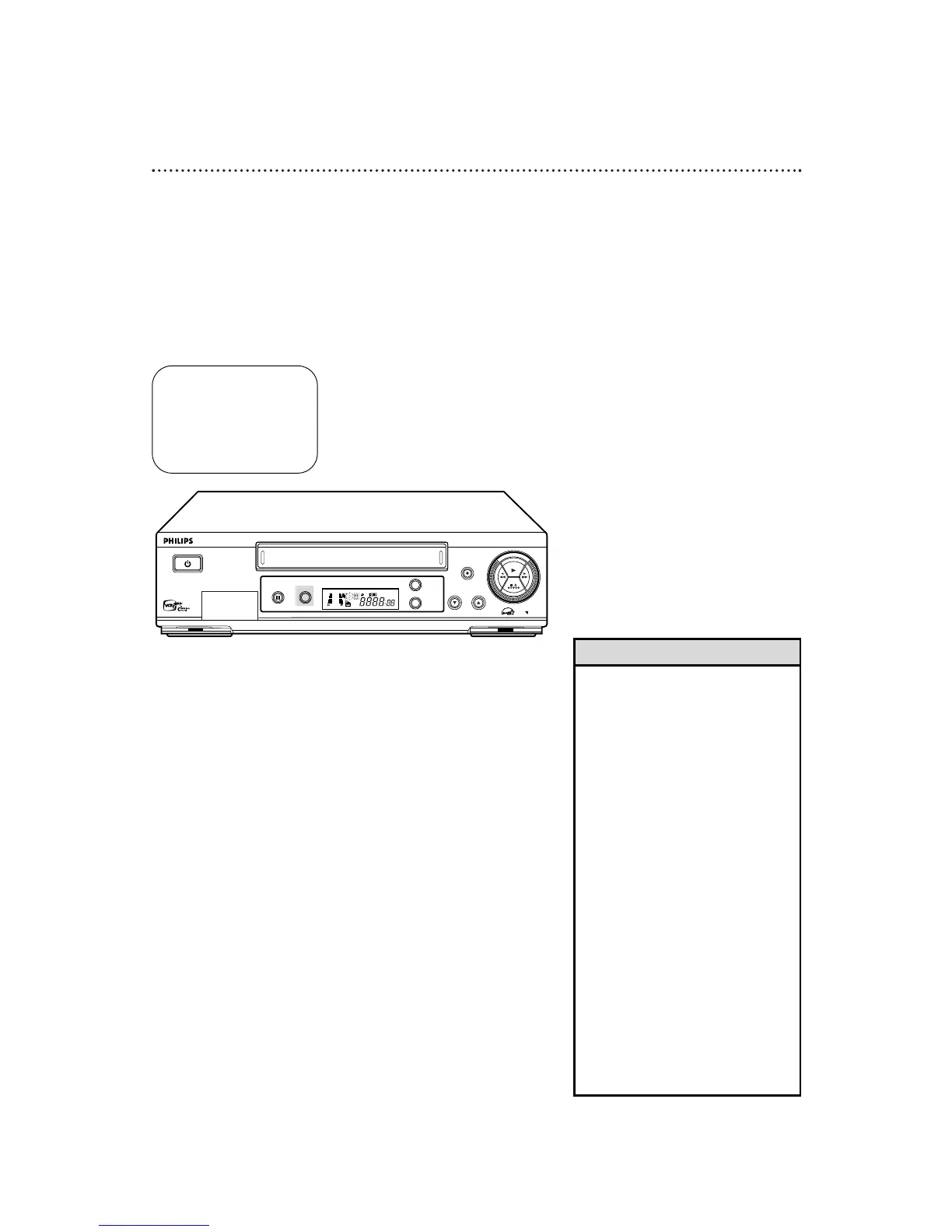
Before you begin the recording, press the S-VHS ET
button on the front panel of the VCR. The current setting
will appear on the screen for about five seconds.
• Pressing the S-VHS ET button has no
effect on an S-VHS tape.
• To obtain the highest quality recording
and to play pictures over a longer
period, S-VHS recording on S-VHS
tape is recommended.
• Label S-VHSET recordings so you can
easily distinguish them from regular
VHS recordings.
• S-VHS ET recordings also can be
played on an S-VHS VCR or a VHS
VCR equipped with SQPB (S-VHS
QUASI PLAYBACK). However, there
may be cases where S-VHSET
playback is not possible on a particular
VCR.
• Frequent still, frame-by-frame, and
slow motion playback may damage
the tape and cause the picture quality
to decline.
• With some tapes, better picture quality
may not be obtained even with S-VHS
ET recording. Test a recording first to
make sure better results can be
obtained.
• Use high grade tapes for best results.
Helpful Hints
2
While the setting appears, press the S-VHS ET button.
Each time you press the S-VHS ET button, the setting changes to
ON or OFF.
ON: The VCR records in Super VHS ET mode on a VHS
cassette.
OFF: The VCR records in VHS mode on a VHS cassette.
• S-VHS ET recording can not be turned on or off during
recording with the S-VHS ET button.
32 S-VHS ET
S-VHS ET: ON


 To Next Page