Quick Programming (cont’d) 41
5
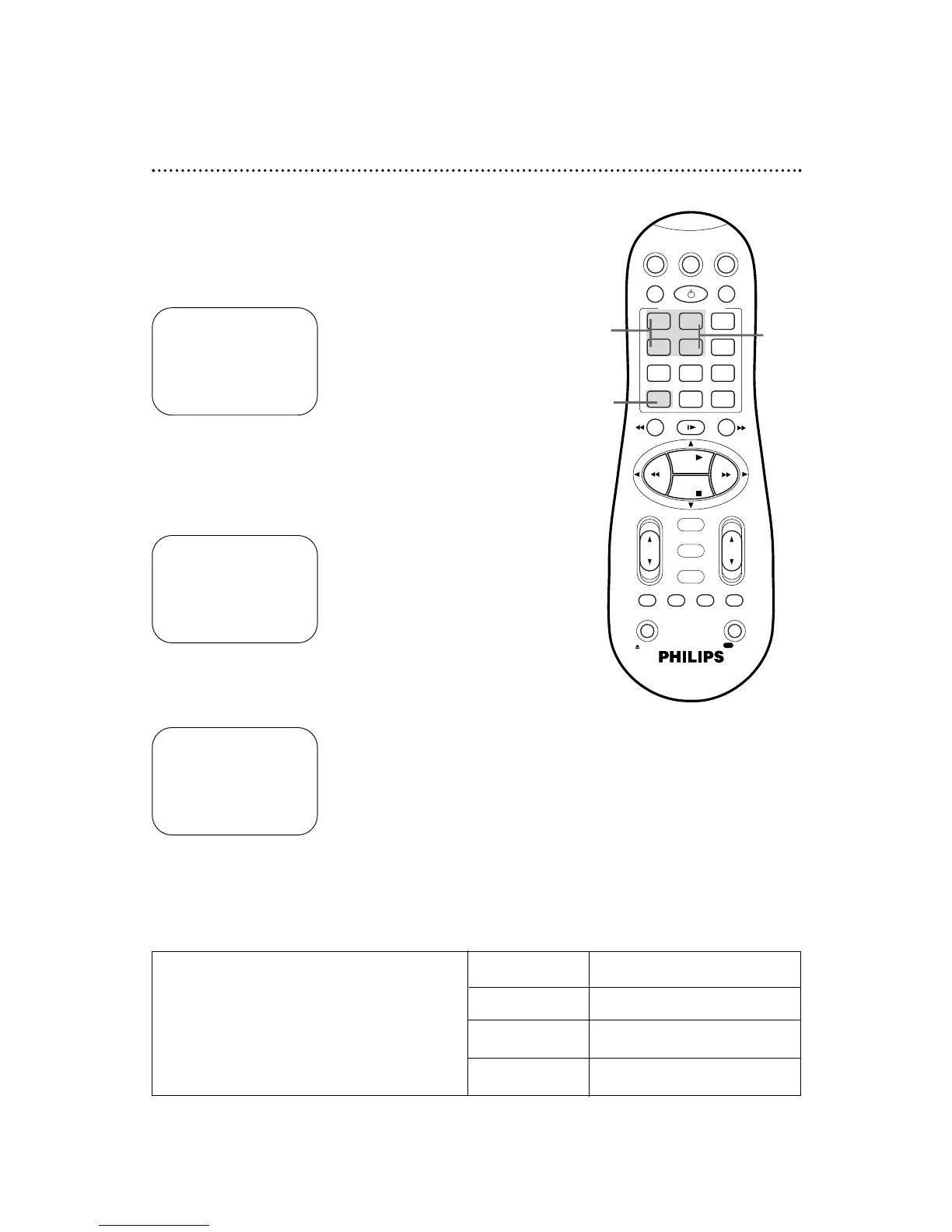
Press the Number 2/STOP+ or Number 5/STOP– button to
set the recording’s stop time. Every time you press a button, the
stop time changes in one-minute increments. If you press and hold a
button, the stop time changes in 30-minute increments.
6
Press the ALT/SPEED button to select the tape speed (SP
or SLP). Details about tape speed are given below.
4
Press the Number 1/START + or Number 4/START–
button to set the recording’s start time. Every time you
press a button, the start time changes in one-minute increments. If
you press and hold a button, the start time changes in 30-minute
increments.
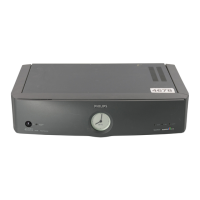
ONE TIME PROGRAM
PROGRAM 1
CHANNEL +/– 12 CABLE/TV
START +/– 08 : 00 PM
STOP +/– – – : – – AM
REC SPEED SLP
DATE +/– – – /– – /– –
DAILY: 8 WEEKLY: 9
CONFIRM: OK END: TIMER
ONE TIME PROGRAM
PROGRAM 1
CHANNEL +/– 12 CABLE/TV
START +/– 08 : 00 PM
STOP +/– 10 : 00 PM
REC SPEED SLP
DATE +/– – – /– – /– –
DAILY: 8 WEEKLY: 9
CONFIRM: OK END: TIMER
ONE TIME PROGRAM
PROGRAM 1
CHANNEL +/– 12 CABLE/TV
START +/– 08 : 00 PM
STOP +/– 10 : 00 PM
REC SPEED SLP
DATE +/– – – /– – /– –
DAILY: 8 WEEKLY: 9
CONFIRM: OK END: TIMER
5
4
6
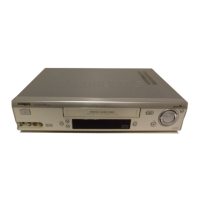
Cassette type / Playback Time
Tape Speed T160 T120 T60
SP (standard play) 2 hrs.
2 hrs. 1 hr.
40 mins.
LP (long play) 5 hrs.
4 hrs. 2 hrs.
(playback only) 20 mins.
SLP (super long play)
8 hrs. 6 hrs. 3 hrs.
Tape Speeds
This chart shows the recording/playback time for
T160, T120, and T60 video cassettes. There are
three playback speeds: SP, LP, and SLP. This VCR
will play tapes recorded in LP, but LP will not
appear on the display panel. This VCR will record
only in SP and SLP.


 To Next Page