3
1
12 Channel Memory
1
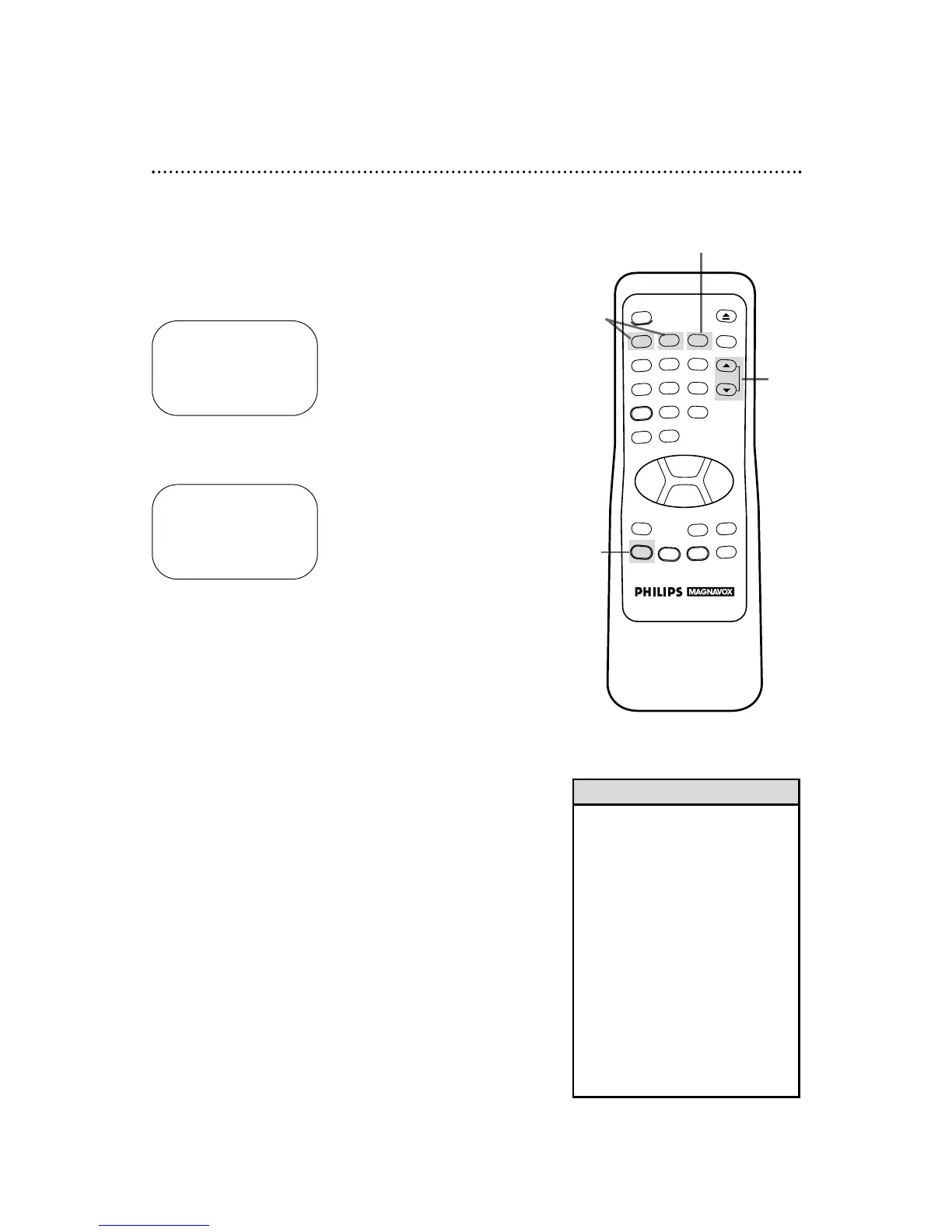
Press the MENU button to bring up the main menu display.
TO SELECT PUSH NO. SHOWN
1 PROGRAM
2 VCR SET UP
3 TUNER SET UP
4 SET CLOCK
TO END PUSH EXIT
2&4
Programming Channels
Although your VCR may automatically memorize the channels you
receive when you turn it on for the first time, this function lets
you reprogram channels.
2
Press the Number 3 button to select TUNER SET UP.
TO SELECT PUSH NO. SHOWN
1 TV
2 CABLE TV ON
3 AUTO PROGRAMMING
4 ADD/DELETE CH
5 CH MEMORY REVIEW
6 TV STEREO ON
7 2ND AUDIO
TO END PUSH EXIT
3
Press the Number 1 button to select TV (if you have an
antenna) or the Number 2 button to select CABLE TV (if
you have a cable connection). ON will appear to the right of your
selection.
4
Press the Number 3 button to select AUTO PROGRAM-
MING. MEMORIZED CHANNEL / PLEASE WAIT will appear on-
screen. The VCR will place all the channels you receive into its
memory.
5
Wait for a few minutes while the VCR programs channels. When
programming is complete, CHANNELS ARE SET will appear on-
screen. Then the programming of the lowest channel number placed in
the VCR’s memory will appear on-screen. Now when you press the
CHANNEL (Up/Down) buttons, you will scan only through channels
you receive.
5
• You can not enter the TUNER SET
UP menu when you are in Line
Input mode (channel 00).
• Line Input mode will always be
stored in the VCR’s memory as
channel 00. When you select chan-
nel 00 with the CHANNEL
(Up/Down) buttons or the Number
buttons, A/V INwill appear on the
screen briefly.
• You may not be able to program
channels if you are using a Cable
Box.
• To switch between TV and CABLE
TV selection, repeat the steps on
this page.
Helpful Hints



 To Next Page