2
Channel Memory (cont’d) 13
Adding/Deleting Channels
1
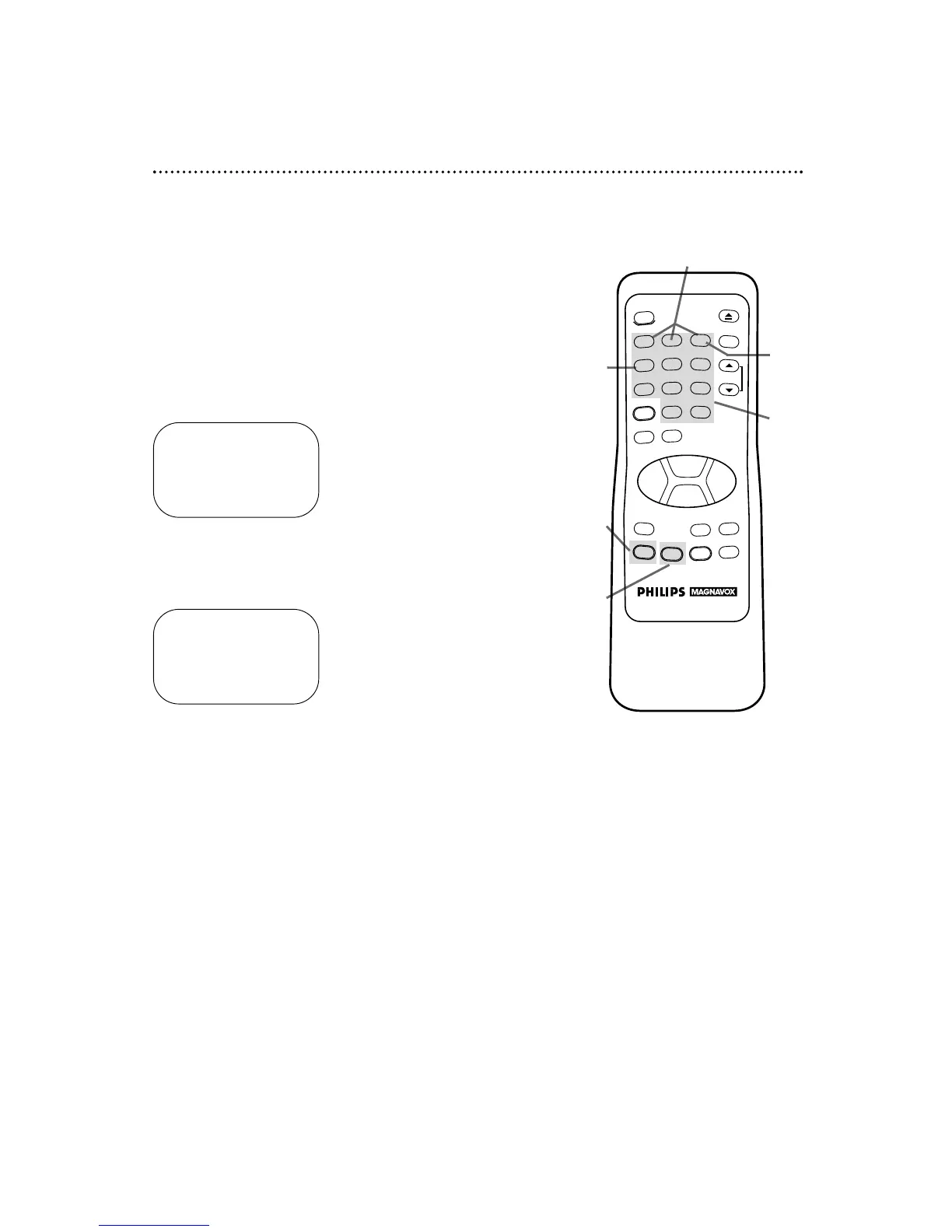
Press the MENU button to bring up the main menu display.
2
Press the Number 3 button to select TUNER SET UP.
3
Press the Number 4 button to select ADD/DELETECH.
4
Within 60 seconds, press the Number buttons to enter
the desired channel number.
TO SELECT PUSH NUMBER
CH12
1 ADD
2 DELETE
3 SELECT ANOTHER CH
TO END PUSH EXIT
5
Within five seconds, press the Number 1 button to add
that channel or the Number 2 button to delete that chan-
nel. Press the Number 3 button to leave that channel
unchanged and select another channel.
If you do not make a choice within five seconds, you will return
to the previous menu display. If this happens, continue from step
4.
6
Press the STATUS/EXIT button to exit. The programming of
the channel you added or deleted will appear.
6
3
1
4
5
SELECT CHANNEL NUMBER
CH – –
TO END PUSH EXIT



 To Next Page