6
3
MTS Broadcast Stereo System (cont’d) 43
1
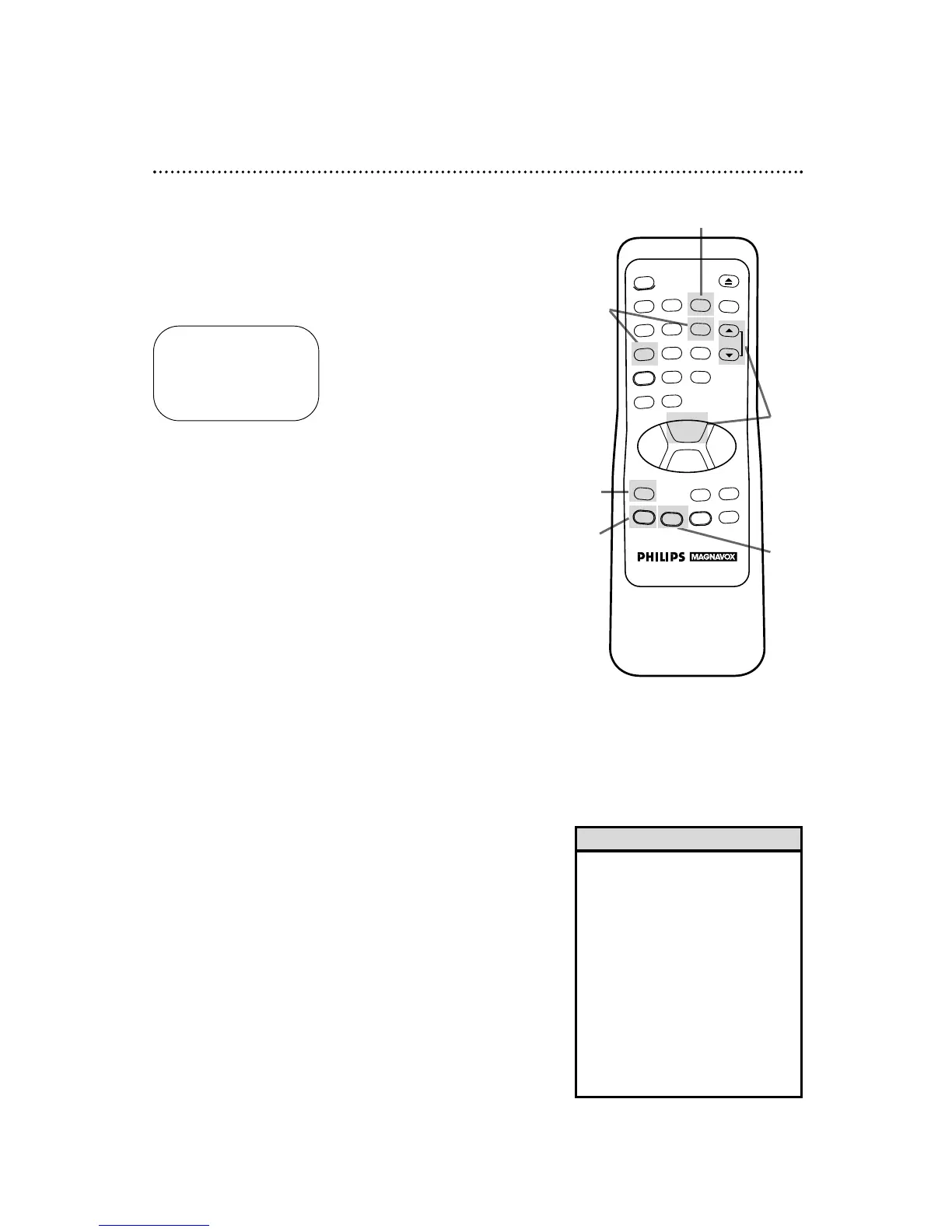
Press the MENU button to bring up the main menu display.
2
Press the Number 3 button to select TUNER SET UP.
3
Press the Number 6 button to select TV STEREO or the
Number 7 button to select 2ND AUDIO. ON will appear to
the right of your selection.
4
Press the STATUS/EXIT button to exit.
5
To play a tape, press the PLAY button. Or, to record,
select the channel to be recorded using the CHANNEL
(Up/Down) buttons, then go to step 6.
6
Press the REC(ord)/OTR button to start recording.
TO SELECT PUSH NO. SHOWN
1 TV
2 CABLE TV ON
3 AUTO PROGRAMMING
4 ADD/DELETE CH
5 CH MEMORY REVIEW
6 TV STEREO ON
7 2ND AUDIO
TO END PUSH EXIT
• You can only receive and record in
stereo or second audio programs
that are broadcast in second audio
or stereo. You can only play in
stereo or second audio tapes that
were recorded in stereo or second
audio. Please see page 42 to deter-
mine if the program you want to
watch/record is being broadcast in
stereo or second audio.
• If you select second audio when
second audio is not available, the
VCR will record normal audio.
Helpful Hints
1
2
4



 To Next Page