40 Special Effects Playback
Forward and Reverse Searching (SP/LP/SLP)
1
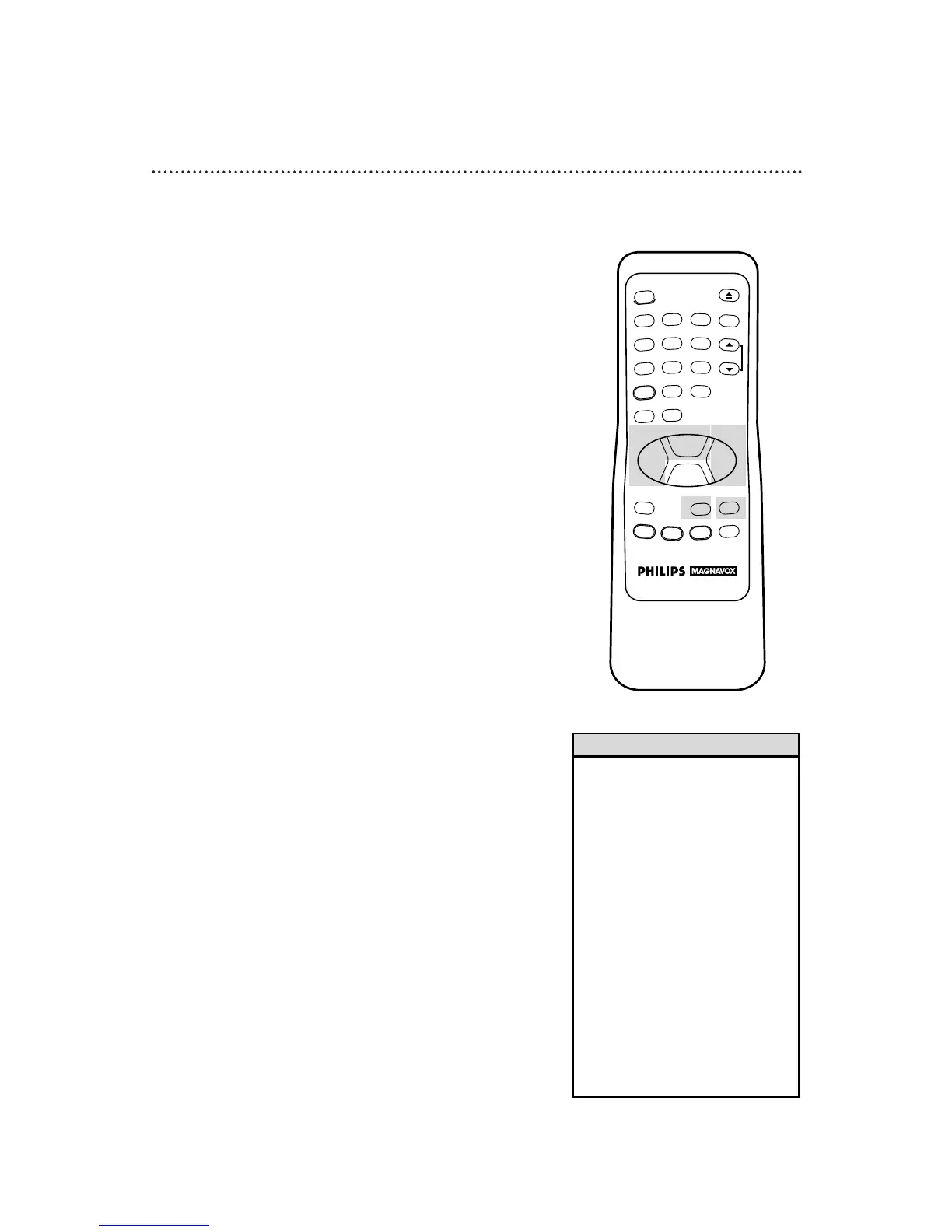
During tape playback, press and release the F.FWD (Fast Forward)
button or the REW(ind) button. A fast forward or reverse picture
search will begin.
2
To return to playback, press the PLAY button.
Super High Speed Searching (LP/SLP)
1
During tape playback, press the F.FWD (Fast Forward) button or
the REW(ind) button, then press again. The VCR will now search
in super high speed.
2
To return to normal playback, press the PLAY button.
Viewing a Still Picture
1
During tape playback, press the PAUSE/STILL button on the
remote control or the PAUSE button on the VCR. A still picture
(frozen image) will appear on-screen.
2
To release the still picture and return to normal playback, press
the PLAY button or press the PAUSE/STILL button again.
Viewing a Slow Motion Picture
1
During tape playback, press the SLOW button. The tape will play
in slow motion.
2
To release slow motion playback and return to normal playback,
press the PLAY button or press the SLOW button again.
• Slow and Still modes will automati-
cally switch to Stop mode after five
minutes to protect the VCR and the
tape from damage.
• SP/LP/SLP means this feature will
work with tapes recorded in
Standard Play, Long Play, or Super
Long Play.
• LP/SLP means this feature will work
with tapes recorded in Long Play or
Super Long Play. For details about
tape speed, see pages 30 and 48.
• If a still picture vibrates vertically,
stabilize it by pressing the CHAN-
NEL (Up/Down) buttons on the
VCR (any other vertical jitter
should be removed with your TV’s
vertical hold control, if your TV has
one).
Helpful Hints



 To Next Page