Repeat Playback 37
Repeat Playback
Follow the steps below to program the VCR to play a tape over
and over.
1
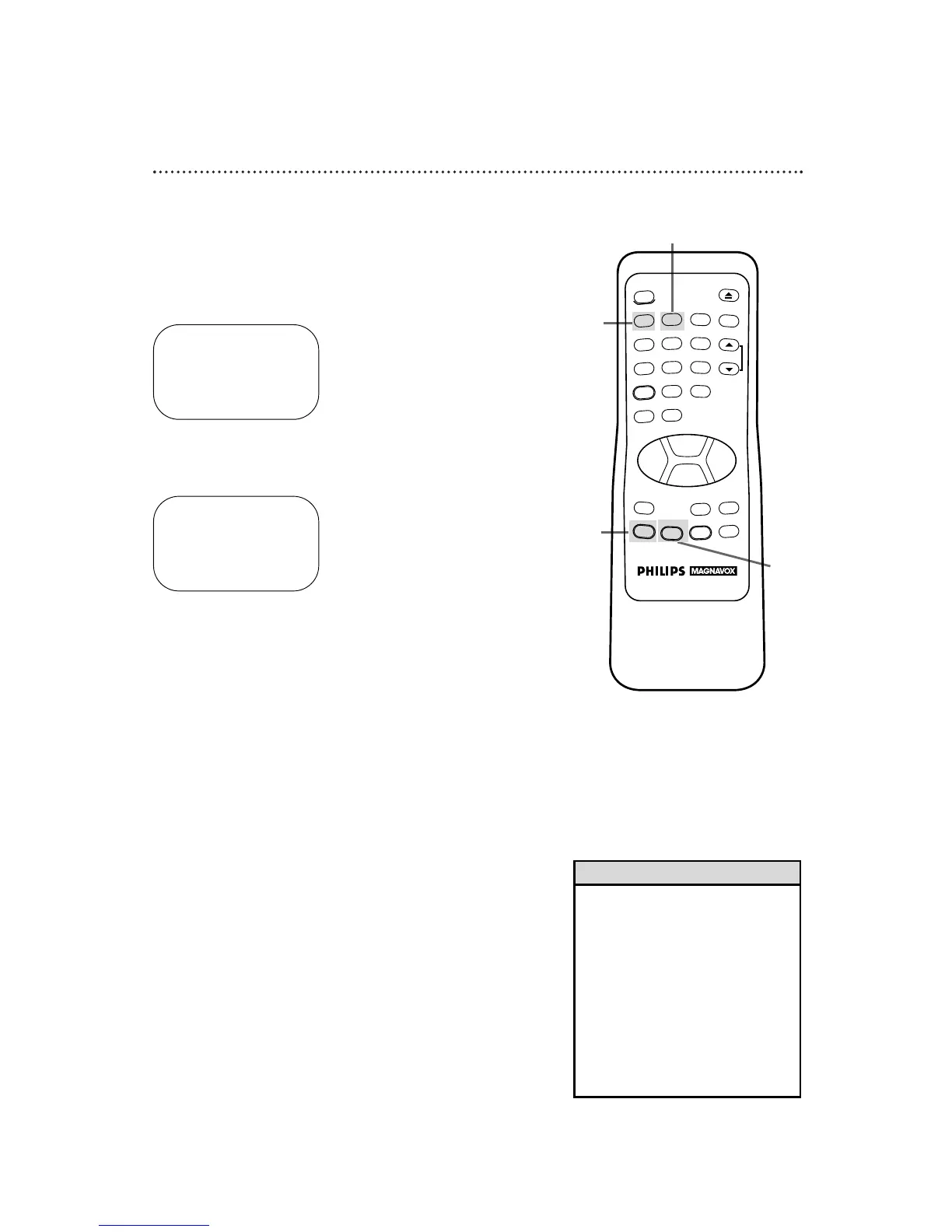
Press the MENU button to bring up the main menu display.
2
Press the Number 2 button to select VCR SET UP.
3
Press the Number 1 button so that ONappears to the right of
REPEAT PLAY on-screen.
4
Press the STATUS/EXIT button to exit. Now, when a tape
has finished playing, the VCR will rewind it and start playback
again. (TV programming will appear while the tape is rewinding.)
TO SELECT PUSH NO. SHOWN
1 PROGRAM
2 VCR SET UP
3 TUNER SET UP
4 SET CLOCK
TO END PUSH EXIT
TO SELECT PUSH NO. SHOWN
1 REPEAT PLAY OFF
2 ON SCREEN MODE
3 AUDIO OUT
4 LANGUAGE
5 VCR PLUS+ REF. MAP
TO END PUSH EXIT
• The VCR will stay in Repeat Play
mode until you cancel Repeat Play
mode. To do this, follow steps 1 - 2
above. At step 3, press the Number
1 button so that OFF appears to
the right of REPEAT PLAY on-screen.
Press the STATUS/EXIT button to
exit.
• The real time counter memory does
not function during Repeat Play
mode.
Helpful Hints
3
1
2
4



 To Next Page