44 Hi-Fi Stereo Sound System
1
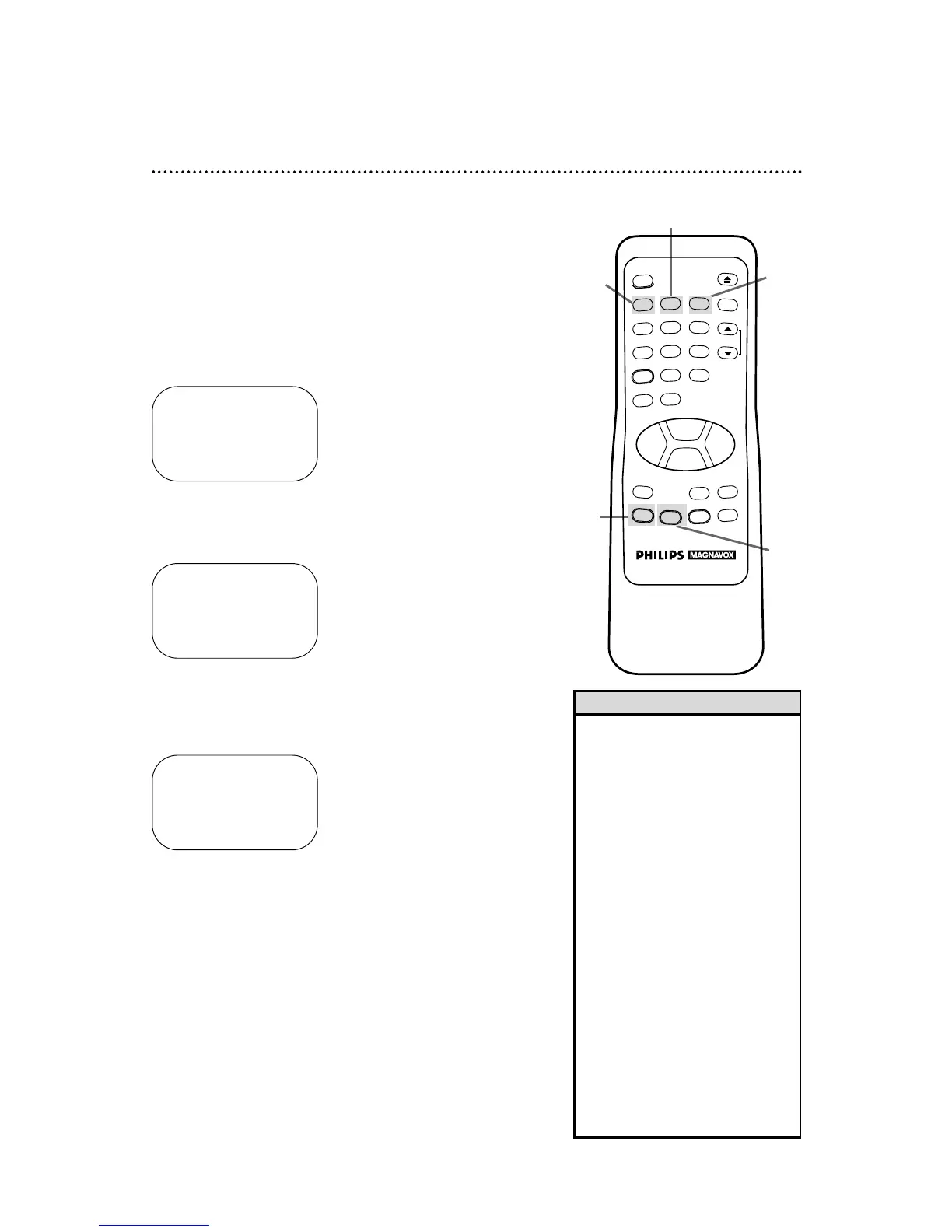
Press the MENU button to bring up the main menu display.
2
Press the Number 2 button to select VCR SET UP.
3
Press the Number 3 button to select AUDIO OUT.
MTS broadcasts are automatically recorded in Hi-Fi stereo sound.
To play in Hi-Fi stereo tapes recorded in Hi-Fi stereo, however,
you’ll need to follow the steps below.
4
Press the Number 1 button to select HIFI. ON will appear to
the right of HIFI on-screen.
5
Press the STATUS/EXIT button to exit.
TO SELECT PUSH NO. SHOWN
1 HIFI ON
2 MONO
TO END PUSH EXIT
TO SELECT PUSH NO. SHOWN
1 REPEAT PLAY OFF
2 ON SCREEN MODE
3 AUDIO OUT
4 LANGUAGE
5 VCR PLUS+ REF. MAP
TO END PUSH EXIT
• All programs are automatically
recorded in both Hi-Fi stereo sound
and in monaural sound.
• The audio level of a tape recorded
in Hi-Fi stereo will differ from the
audio level of a tape not recorded
in Hi-Fi stereo.
• Normally, HIFI should be selected
from the AUDIO OUT menu for
playback with Hi-Fi sound. But, you
can change the selection to MONO
if you want monaural audio play-
back. To do this, follow steps 1 - 3
above. At step 4, press the Number
2 button. Press the STATUS/EXIT
button to exit. HIFI will disappear
from the status display.
• If you play non-Hi-Fi tapes while the
VCR is set to HIFI, HIFI will disap-
pear from the status display and the
tape will play in monaural sound.
Please see additional notes
on page 47.
Helpful Hints
3
1
2
5



 To Next Page