Hi-Fi Stereo Sound System (cont’d) 45
6
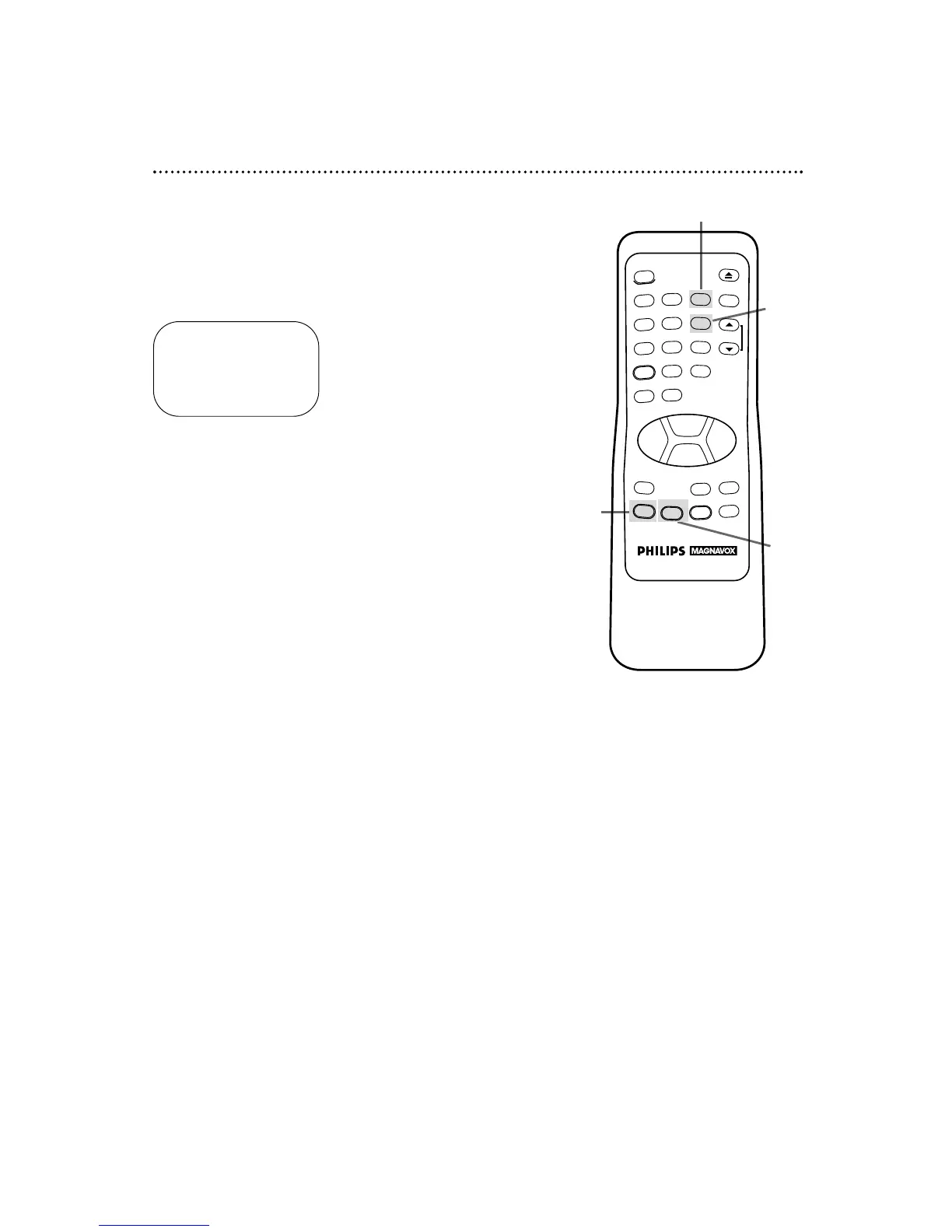
Press the MENU button to bring up the main menu display.
7
Press the Number 3 button to select TUNER SET UP.
8
Press the Number 6 button to select TV STEREO. ON will
appear to the right of TV STEREO on-screen.
9
Press the STATUS/EXIT button to exit.
TO SELECT PUSH NO. SHOWN
1 TV
2 CABLE TV ON
3 AUTO PROGRAMMING
4 ADD/DELETE CH
5 CH MEMORY REVIEW
6 TV STEREO ON
7 2ND AUDIO
TO END PUSH EXIT
6
7
9



 To Next Page