TO SELECT PUSH NO. SHOWN
1 ON SCREEN ON ON
2 COUNTER ONLY
3 ON SCREEN OFF
TO END PUSH EXIT
20 On-Screen Status Displays
• If the channel you select has no
broadcast, the screen will become a
solid blue field. The screen will
remain blue until you select an
active channel.
• You may bring up the status display
at any time by pressing the STA-
TUS/EXITbutton.
(The exception is when viewing a
still picture or a slow motion picture,
or when F.FWD or REW(ind) is
pressed during playback.)
• Channel numbers (when tuned) are
displayed for a few seconds.
Helpful Hints
1
Press the MENU button to bring up the main menu display.
TO SELECT PUSH NO. SHOWN
1 PROGRAM
2 VCR SET UP
3 TUNER SET UP
4 SET CLOCK
TO END PUSH EXIT
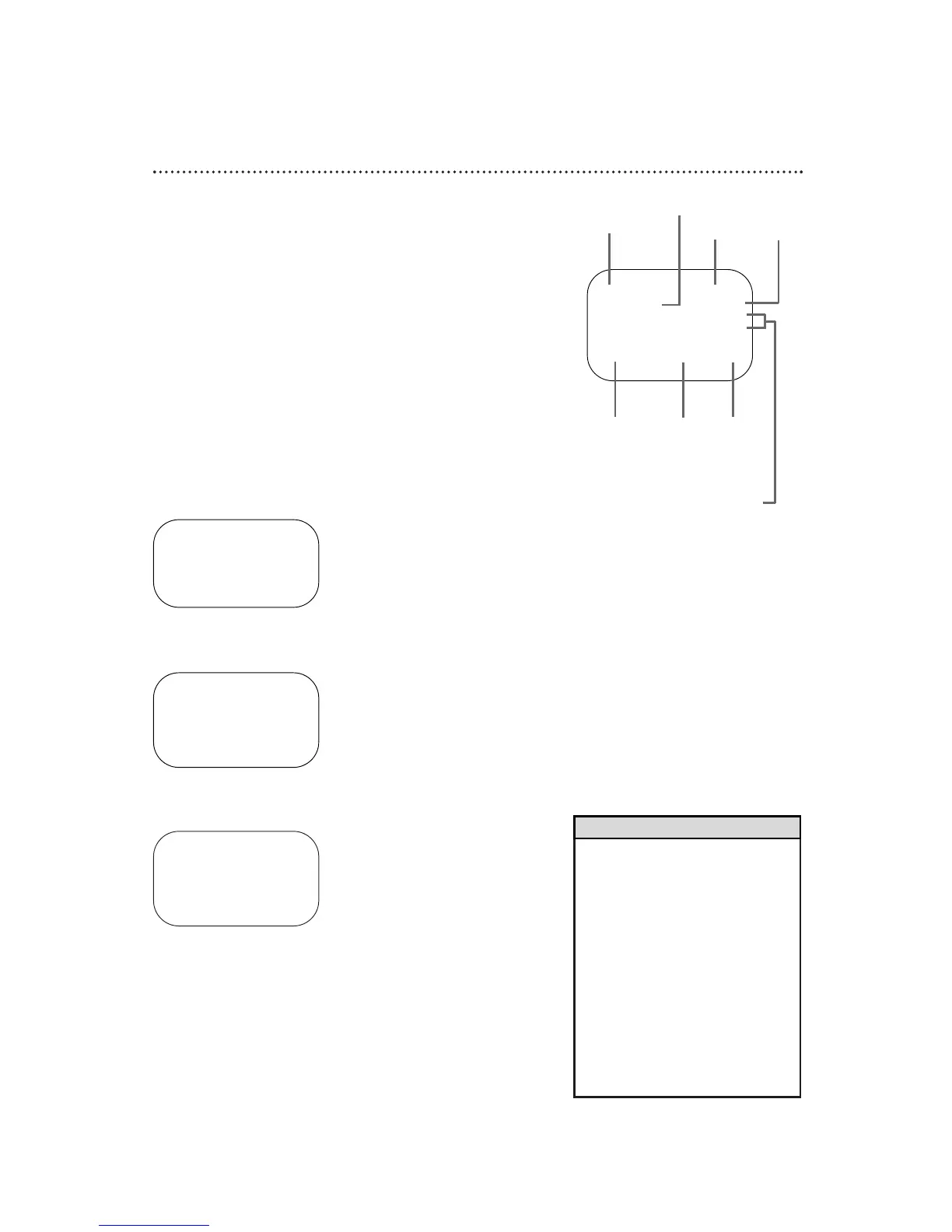
A status display, which includes the current time, channel, and other
information (see illustration) will appear when you press the STA-
TUS/EXIT button or certain function buttons. The contents of the sta-
tus display may vary. There are three status display modes:
ON SCREEN ON:
● When you press the STOP button or the PLAY button, the status
display appears for five seconds.
COUNTER ONLY:
● When you press the STOP button or the PLAY button, the status
display appears for five seconds. After five seconds, only the
counter will remain on-screen. Press the STATUS/EXITbutton to
remove it.
ON SCREEN OFF:
● The status display will not appear when you press function buttons.
● You must press the STATUS/EXIT button to see the status display.
To select a status display mode, follow the steps below.
2
Press the Number 2 button to select VCR SET UP.
TO SELECT PUSH NO. SHOWN
1 REPEAT PLAY OFF
2 ON SCREEN MODE
3 AUDIO OUT
4 LANGUAGE
5 VCR PLUS+ REF. MAP
TO END PUSH EXIT
3
Press the Number 2 button to select ONSCREEN MODE.
4
Press the Number 1 button to select ONSCREEN ON, the
Number 2 button to select COUNTER ONLY, or the
Number 3 button to select ON SCREEN OFF. ON will appear
beside the selected status display mode.
5
Press the STATUS/EXIT button to exit.
STOP 12:00 AM
TV STEREO CH10
STEREO
2ND AUD
SLP M 1:23:45 HIFI
Function
Button
Pressed
Time
Channel
Counter
and
Counter
Memory
Tape
Speed
MTS
Broadcast
Available
Audio
Out
Mode
Receiving and
Recording Mode



 To Next Page