44 EN EN 45
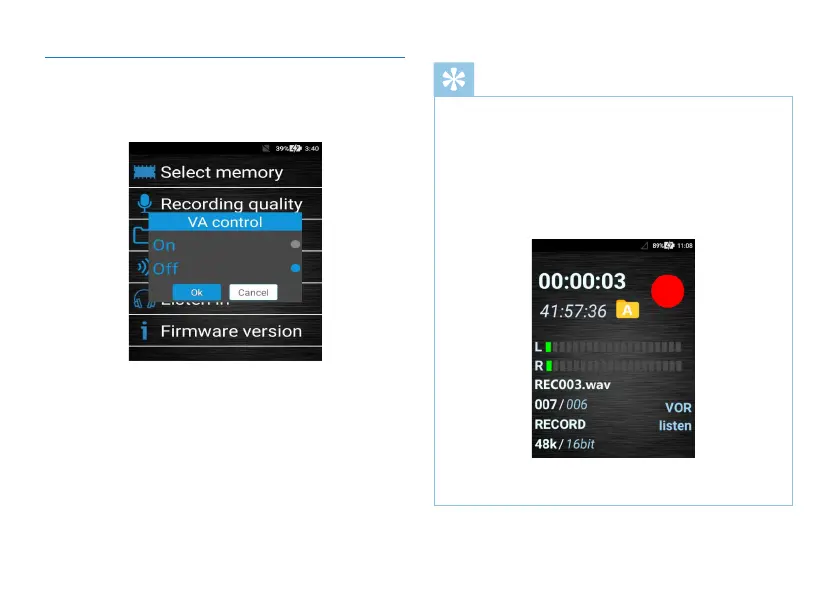
(4)The Voice Activation Setting
Turn on or o the device through voice control as shown
below:
Reminder
• Turn on Voice Activation by pushing the recording
button to REC “When there is sound, the sound will be
automatically recorded. When there is no sound, the
recording will stop”.
• Turn off Voice Activation by pushing to REC “When
there is sound or not, the recording will not be affected”.
• When Voice Activation is enabled, the recording interface
will display “VOR” as shown below:
• When Voice Activation is enabled, the device only
supports N.R. (48K-16bit/wav), HP (48K-16bit/wav).



 To Next Page