EN 49
English
Long press the ME or YOU button to record what you want
to translate before it is converted to text. Unleash the button
to translate.
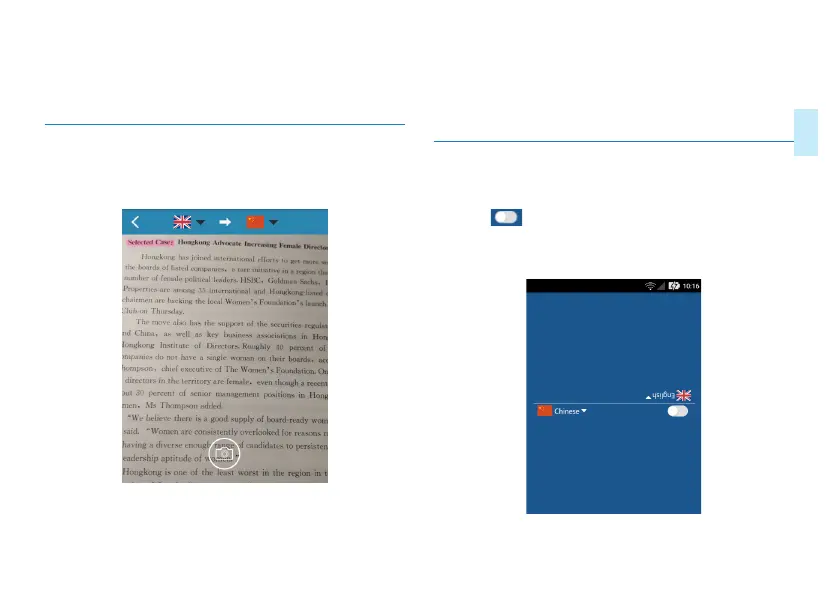
6.3 Photo Translation
Click “Photo Translation” to enter the translation interface
as shown below:
1
、
Enter the photo preview interface and click “Photo”
button to jump to the photo gallery. Use your finger to
touch the area you want to translate. The text will first be
recognized before being translated.
2
、
Click the “Photo” button in the lower left corner and
enter the gallery.
6.4 Off-line translation
In the translation interface, switch the icon to the o-line
position “ ”, press and hold the ME button or the YOU
button to record the conversation, release the hand and play
the translated content. The o-line translation interface is as
follows.



 To Next Page