EN 51
English
7 Convert Audio to Text
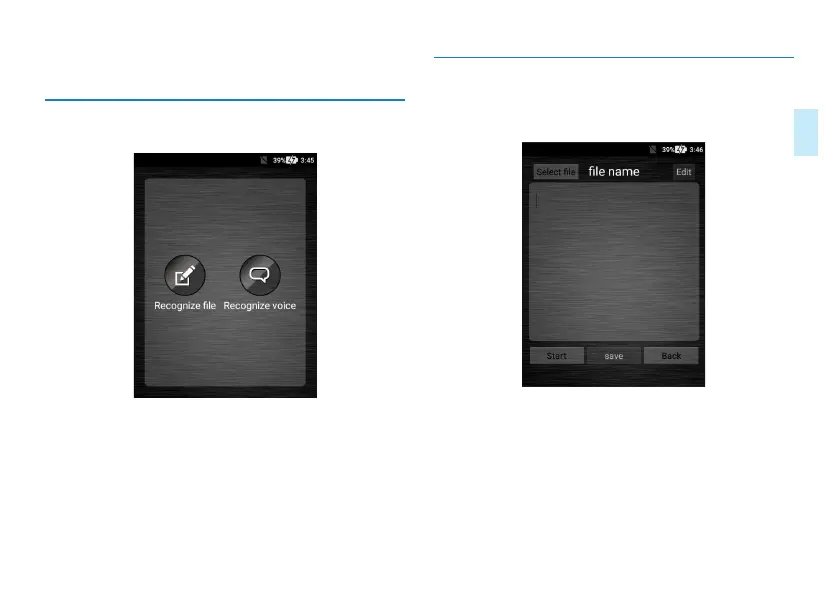
Click “Audio to Text” application to enable audio-to-text
conversion function as shown below:
The audio-to-text function includes audio-to-text and memo-
to-text functions.
Audio-to-text: Convert the recorded audio clip to text file.
Memo-to-text: This is real-time conversion of audio to text.
7.1 Audio File to Text File
Click “Audio File to Text File” to enter the conversion inter-
face as shown below:
1
、
Choose “Select File” and enter the recorded file selection
interface. Click the file you want to convert into text. The
file selection interface is shown below:



 To Next Page