EN 53
English
5
、
Text files can be viewed by computer. If you need to
view this unit, please download a “QQ Browser” or
“UC Browser” on this machine first, then open the “File
Management/Internal Storage/VTR8080/Transfer” folder
in the “Application Software” in the main menu. Open the
view.
7
、
When you choose SD card for conversion, you need to
insert the card first. The method of operations.
Note
• When the voice is transferred to the text,please pay
attention to adjust the backlight time of the device to
avoid the long-time transfer, the backlight is off and the
writing pause is suspended.
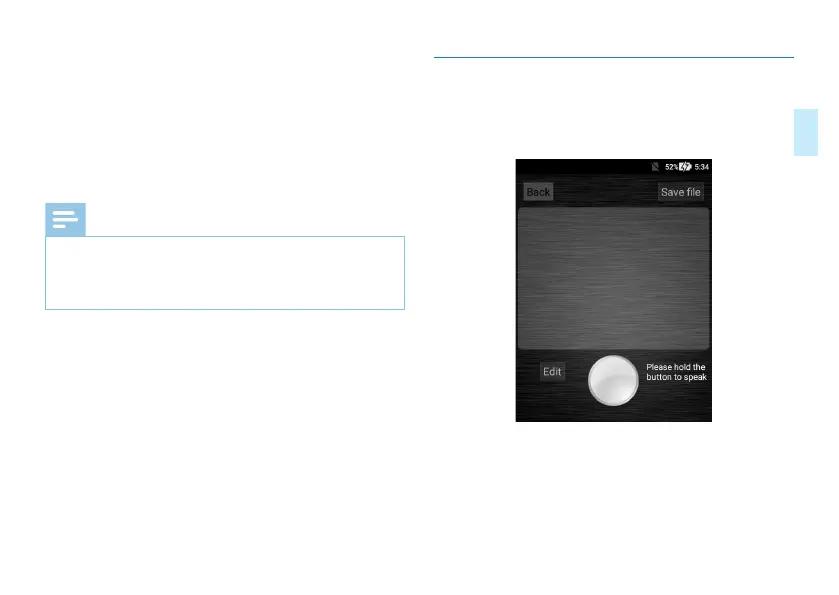
7.2 Memo to Text
Click the “Memo to Text” button to enter the conversion
interface as shown below:



 To Next Page