EN 47
English
6 Translation Mode
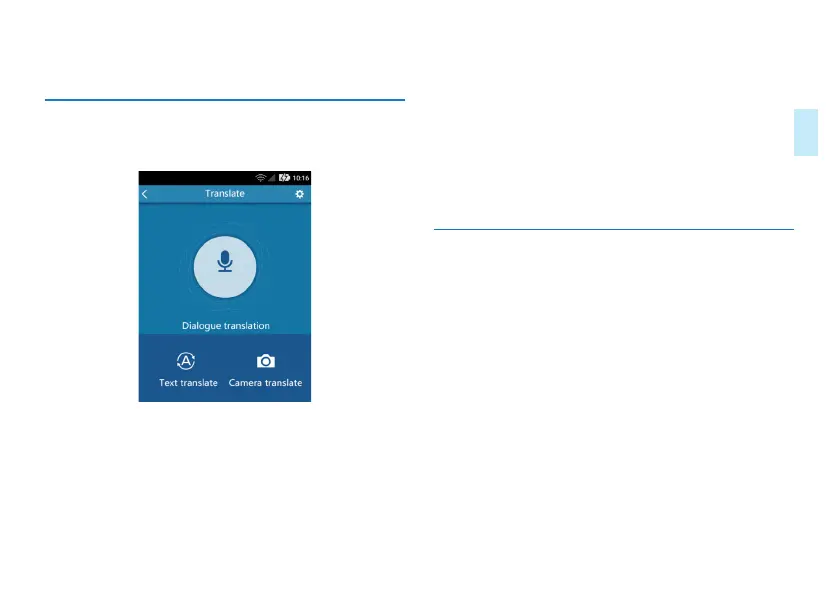
Click “Translation” application to activate the translation
function. You can also click the MODE button for quick start,
as shown below:
• The translation function includes ialogue Translation,
Online Translation, DPhoto Translation,off-line translation
and Settings.
• Online Translation: Choose the source and target
languages and enter the text for translation. Click
Translate for translation.
• Dialogue Translation: Choose the source and target
languages, then long press YOU or I button for recording
and translation. Unleash the button and listen to the
translation.
• Photo Translation: Aim at the text you want to translate
and select the text you want to translate.
• Off-line translation: In the translation interface, switch
to the off-line state to achieve off-line translation. Please
select the language before translation.
• Setting: WIFI setting and Gain setting
,
4G Setting,Update.
6.1 Text Translation
Click “Text Translation” and enter the online translation page
as shown below:



 To Next Page