EN 59
English
10 Videotaping Mode
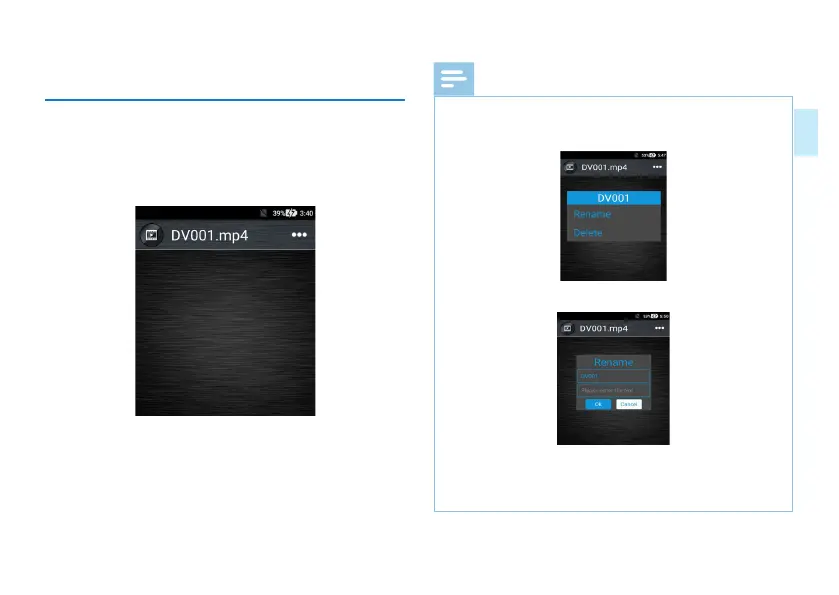
After the video is recorded, the device will automatically
enter the video file list. You can also enter the Video Playback
application and enter the video list. In the video file selection
interface, click the video you want to play back, as shown
below:
Note
• Enter the video list and you will see “change name”
or “delete video”. The popped up dialog box is shown
below:
The interface for changing file name is shown below:
Click “Delete Video” to delete the current video file.
Click “Change Name” to change the name of the current
video file.



 To Next Page