48 EN EN 49
1
、
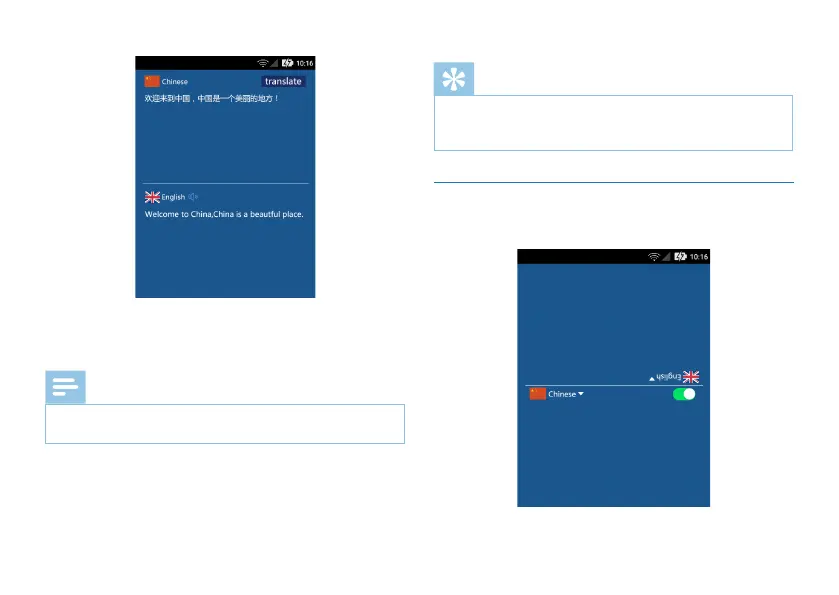
Enter the text you want to translate in the upper box.
After editing, click the Translate button to translate. The
translated text will appear in the lower box.
Note
• The text in photo must be clear and eligible. Otherwise,
the translation quality will be affected.
Reminder
• When you press and hold the YOU or ME button to
translate, please release your hand after translating the
text to avoid the last text not playing.
6.2 Dialogue Translation
Click “Dialogue Translation” to enter the following interface.



 To Next Page