EN 63
English
12.5 Camera
This is used for taking and viewing photos.
(1)Taking Photo
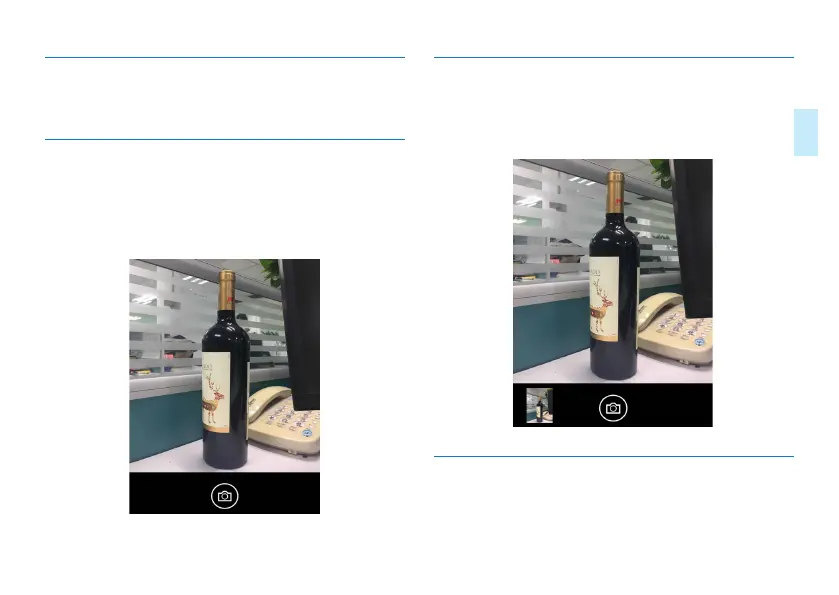
Click “Camera” to enter the camera preview interface. Click
“Take Photo” icon to take a photo. The photo preview inter-
face is shown below:
(2)Photo Viewing Interface
After taking photo, you can view the photo in the lower left
corner. Click it and you will see it full screen.
The post-photo taking interface is shown below:
12.6 Videotaping
It is used for video recording. You can enter recording mode
by entering from the main menu.



 To Next Page