60 EN EN 61
10.1 Video Playback
1
、
Use “+” or “-“button on the video file selection interface
to choose the file for playback.
2
、
Touch the selected file for playback.
3
、
During playback use “+” or “-“button to adjust the
volume.
4
、
Press Return button to end playback and go back to the
video file selection interface.
5
、
During the playback, touch Pause/Play button to suspend
play or press again to resume play.
Reminder
• When the earphone is inserted, the recorder speaker will
stop working.
• Touch the Play/Pause icon to stop or resume play.
• During playback, drag “Play Progress Bar” to fast forward.
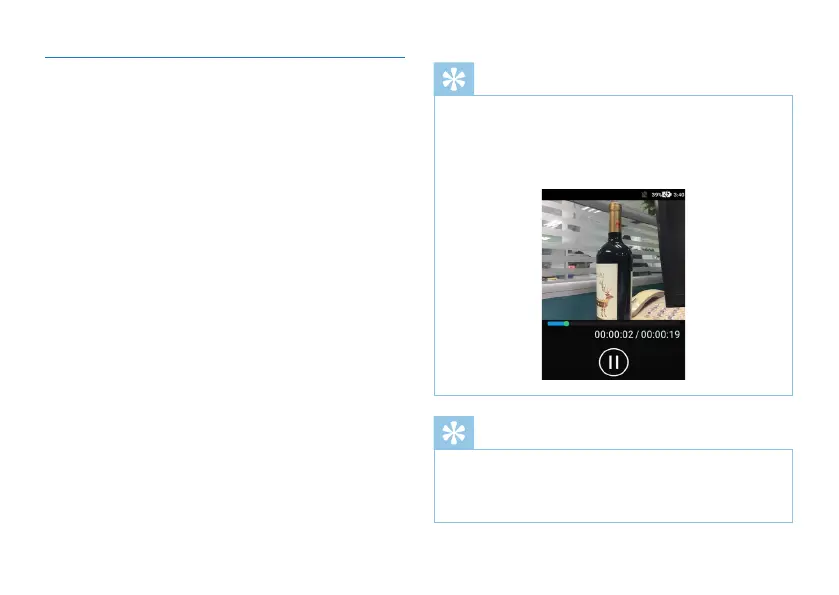
The video playing interface is shown below:
Reminder
• When the recorder is not working properly, please check
if it is out of battery.
• When the battery bar shows empty, please charge the
device.



 To Next Page