64 EN EN 65
12.7 File
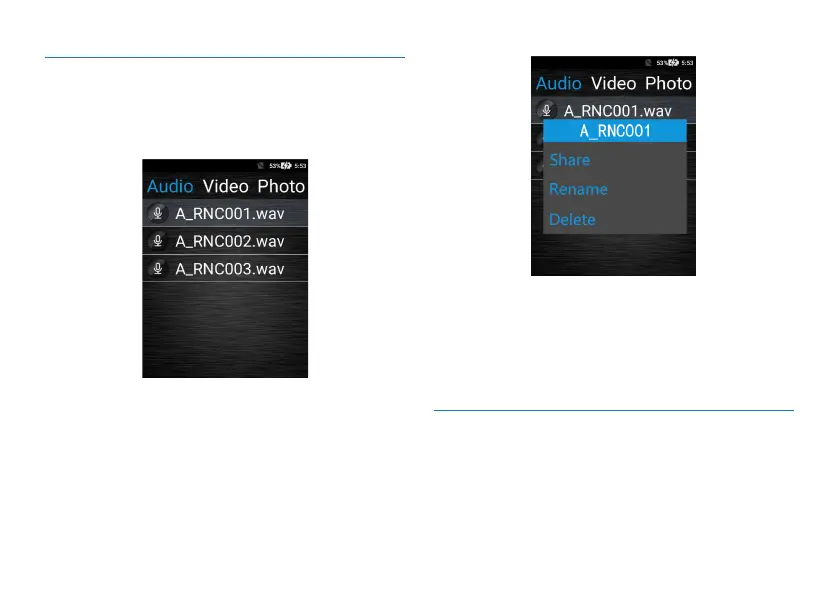
You can check the recorded audios/videos, photos and trans-
lated text of the device, as shown below:
In this interface, you can select the files in “Audio, Video,
Photo, Text” to set. Long press the file will pop up the fol-
lowing interface.
1
.
Click “Share” to share the current file. Sharing can be done
via Bluetooth or through third-party software. When
sharing with third-party software, please install third-party
software first.
2.Click "Modify Name" to modify the current file name.
3.Click "Delete" to delete the current file directly.
12.8 Application
Application includes: Settings, File Management, Music, and
Gallery.
The system management interface is shown below:



 To Next Page