42 EN EN 43
5.1 Recording Settings
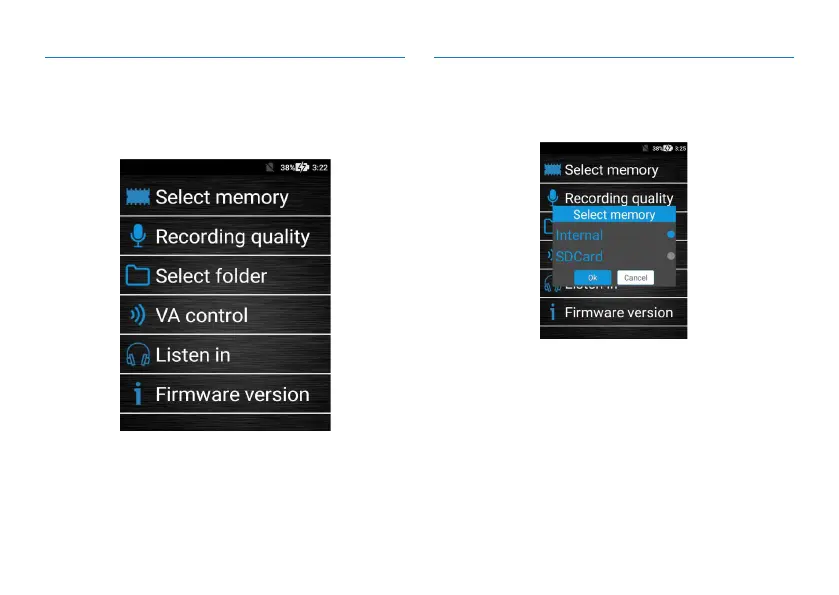
The recording settings include: saving path, recording type,
folder selection, voice control, and listen and software ver-
sion as shown below:
(1)Saving path
Choose memory card or SD card for setting the saving path
as shown below:
1
、
When the saving path is the memory card, the recorded
audio/video files and photos will be stored within the
device.
2
、
When the saving path is SD card, the recorded audio/
video files and photos will be stored in the SD card.
3
、
After selecting SD card, there is an SD icon appearing on
the left upper corner.
4
、
his device does not support hot-plugging SD card. Please
insert or remove the card after shutdown.



 To Next Page