54 EN EN 55
1
、
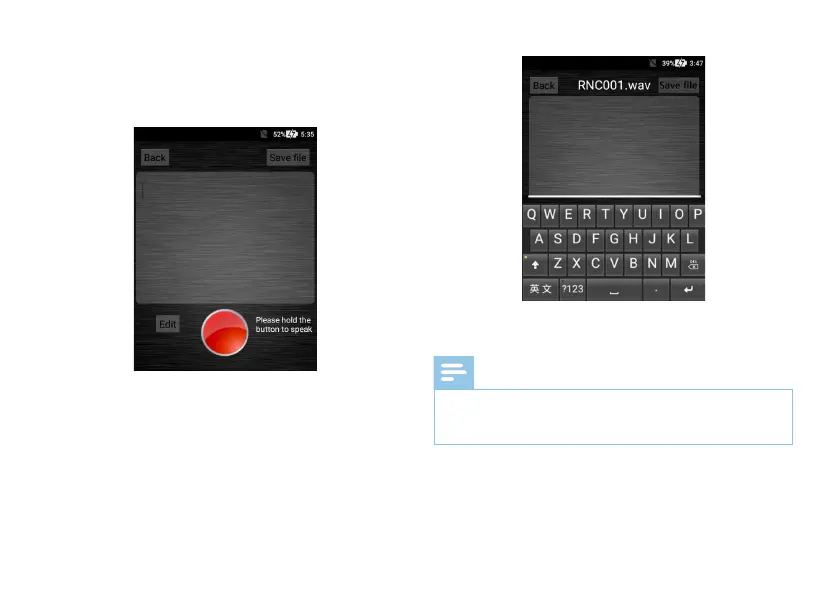
Long press the “Speaker” to talk and release it when talk
is over. The audio is automatically converted to text.
The audio-to-text conversion interface is shown below:
2
、
After the audio is converted to text, click “Save File” to
save the file.
3
、
The editing of the text is in reference to that of the
audio-to-text conversion.
The text box editing interface is shown below:
4
、
The viewing of the text file is in reference to that of the
audio-to-file conversion.
Note
• When the network is unstable or the signal is poor, the
audio-to-text conversion speed will be affected. You
should use this function in a sound network environment.



 To Next Page