26
J Release the volume up button
when the indicator light starts
rapidly blinking blue.
J Start the pairing process on the Bluetooth device
within 1 minute according to the device’s user guide
and use code “0000” if prompted.
J After successful pairing, the indicator light will stop
rapidly blinking.
J Press play on the Bluetooth device if needed.
J Streaming will start automatically and the indicator
light will turn solid blue displaying the active
streaming.
To adjust the volume of the audio signal use the volume
controls on the audio device.
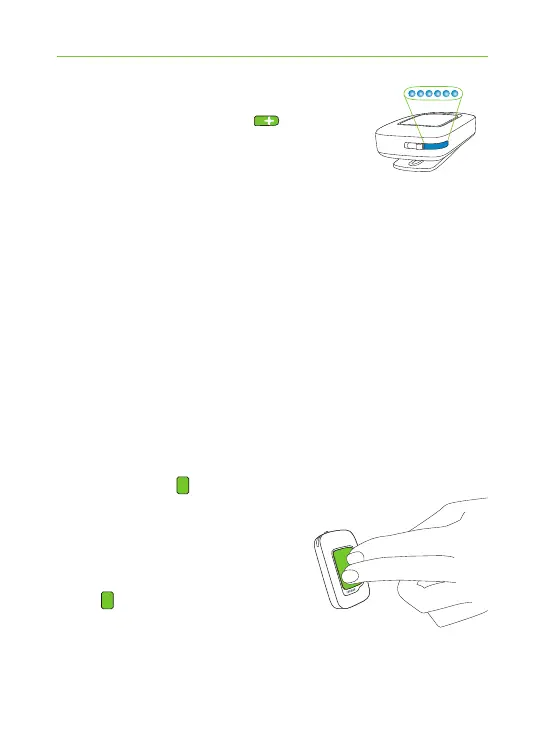
Press the main button to
pause and restart streaming.
To stop Bluetooth streaming
completely, press and hold the
main button (2 sec), switch
the other Bluetooth device o or
disable it's Bluetooth feature.


 To Next Page
 Loading...