32
7.1 Main button functionality
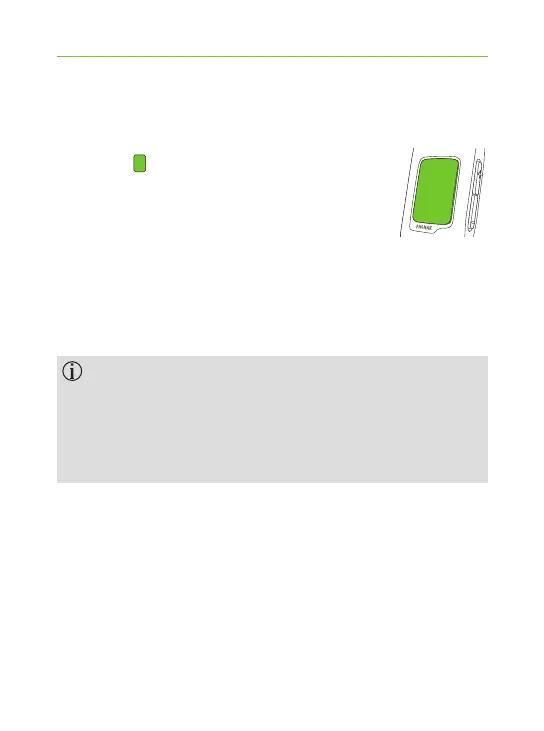
The Main button has multiple
functionalities:
1. Phone: It accepts and ends a phone call.
2. Stream: It pauses and resumes
the streaming from an audio device. A long press
(2 sec) will disconnect the streaming and programs
can be changed again.
3. Remote control: Used to change the hearing programs.
The hearing programs cannot be changed when:
J a phone call is in progress
J a Bluetooth device is streaming or paused
J the remote control feature has not been enabled
by your hearing care professional
7. More detailed information



 To Next Page