33
7.2 Locking the buttons
To prevent the buttons from being accidentally
pressed:
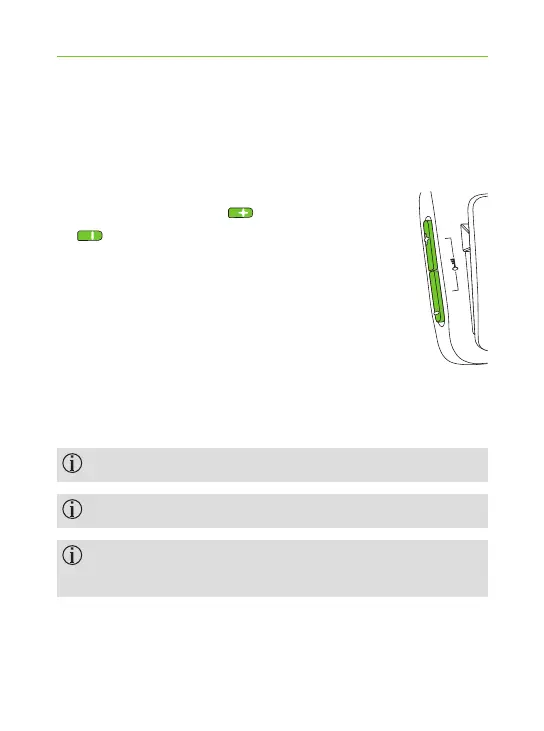
J Press the volume up and down
buttons simultaneously to lock
or unlock the buttons.
J The indicator light will blink red 3
times, indicating that the buttons
are locked.
J When locked, the indicator light will
blink red 3 times and you may hear
three beeps through your hearing aids
each time a button is pressed.
Accepting an incoming call is still possible.
In locked state, the indicator light will stop blinking.
The key symbol on the back reminds you of the
lock function.



 To Next Page