30
Reducing surrounding sounds
You can reduce the surrounding sounds with a single
button press. This may be helpful during music or phone
streaming. The level of reduction is set by your hearing
care professional.
J Press and hold the volume down button (>2 sec)
for more reduction.
J Press and hold the volume up button (>2 sec) to
return to the original hearing aid volume.
6.2 Changing the program
Changing hearing programs is only possible if no
streaming is in progress.
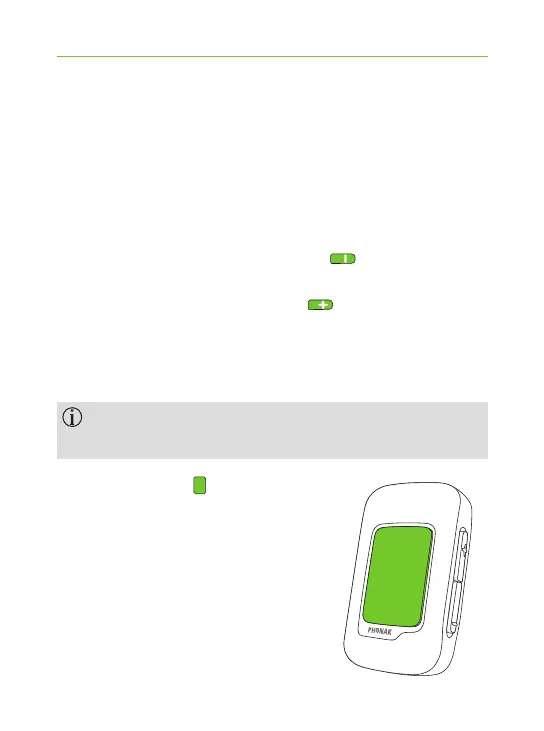
J Press the main button to
proceed to the next available
program.



 To Next Page