10
3. Getting started
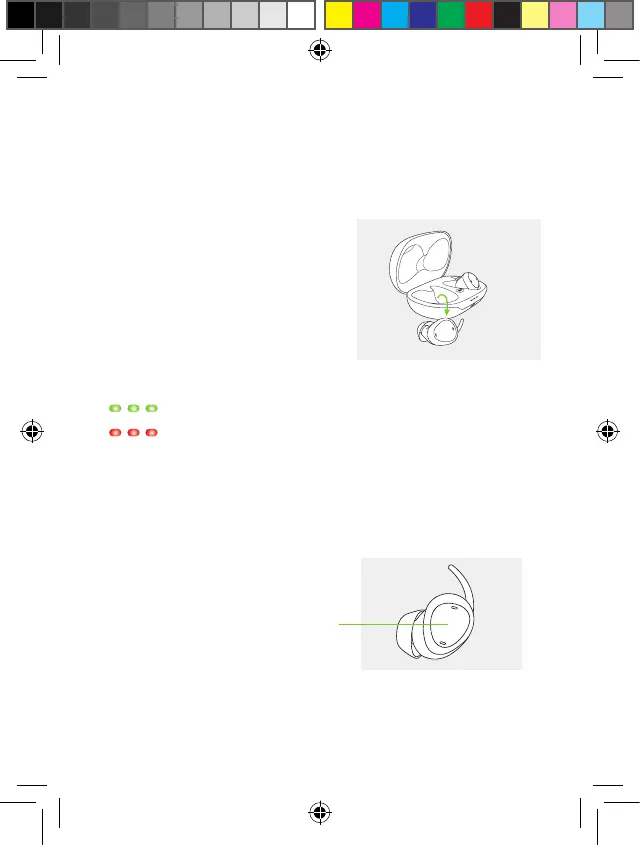
3.1 Switching earbuds on or off is easy
The earbuds automatically switch
on when removed from the case.
They switch off when back in the
case.
The indicator lights will light up
: Battery ok
: Battery <20%, consider charging
In the event an earbud switched off, a short press on the
button switches it on again.
short press
PH_User_Guide_Earbuds_TWE21_92x125_GB_V1.00_029-3338-02.indd 10PH_User_Guide_Earbuds_TWE21_92x125_GB_V1.00_029-3338-02.indd 10 2021-05-11 8:49:12 AM2021-05-11 8:49:12 AM



 To Next Page