22
4.3 Making a phone call
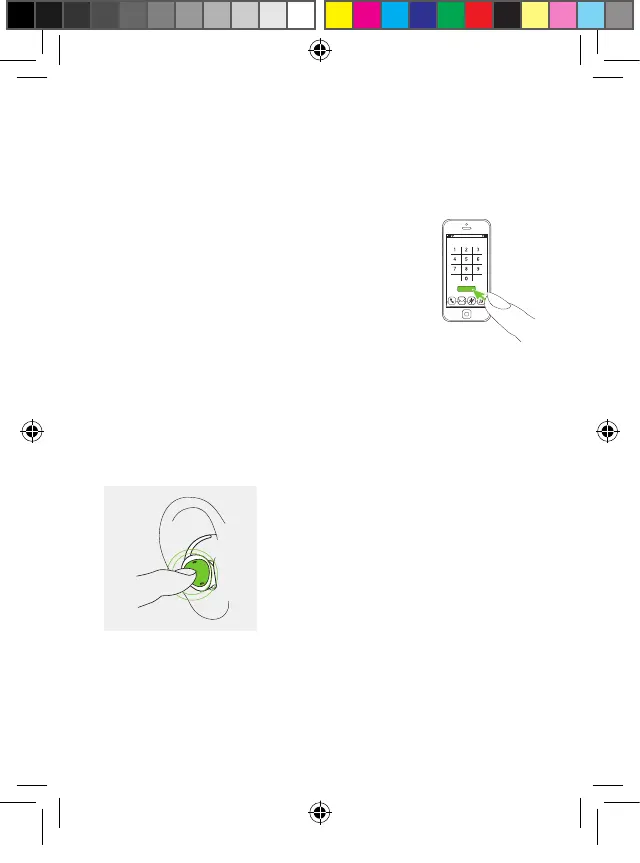
To make a hands-free phone call, ensure
the earbuds are connected to the phone
and correctly inserted into your ears.
To start a call, initiate the call from the
phone.
When receiving an incoming call you will hear the
ringtone through the earbuds. Use earbud on either side
to accept or reject the call.
Call
Accept call
Double tap or
short press
Reject call
Long press (>1.5 sec)
PH_User_Guide_Earbuds_TWE21_92x125_GB_V1.00_029-3338-02.indd 22PH_User_Guide_Earbuds_TWE21_92x125_GB_V1.00_029-3338-02.indd 22 2021-05-11 8:49:14 AM2021-05-11 8:49:14 AM



 To Next Page