12
3.3 Connect to a mobile device
If it is the first time connecting the earbuds to the device,
you must put them into pairing mode as described in
chapter 3.2. After they have been paired, the earbuds
should connect automatically when removed from the
case.
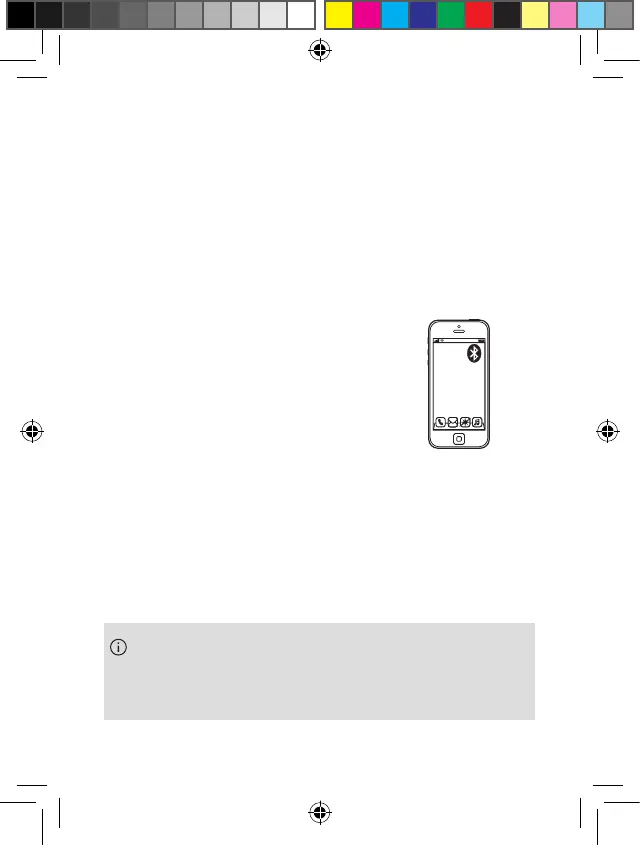
When using earbuds with your phone
(or tablet)
1. Open the “Bluetooth” settings and
activate Bluetooth on your phone.
2. Wait until you see the Phonak
Earbuds in the list of available devices and select it.
3. Your phone will now connect to the earbuds.
t
er
evice
t
er
evice
Phonak Earbuds
t
er
evice
If the myEarbuds app is installed and connected, you
may see “Phonak Earbuds LE” in the list of paired
devices. Do not select it.
PH_User_Guide_Earbuds_TWE21_92x125_GB_V1.00_029-3338-02.indd 12PH_User_Guide_Earbuds_TWE21_92x125_GB_V1.00_029-3338-02.indd 12 2021-05-11 8:49:13 AM2021-05-11 8:49:13 AM



 To Next Page