13
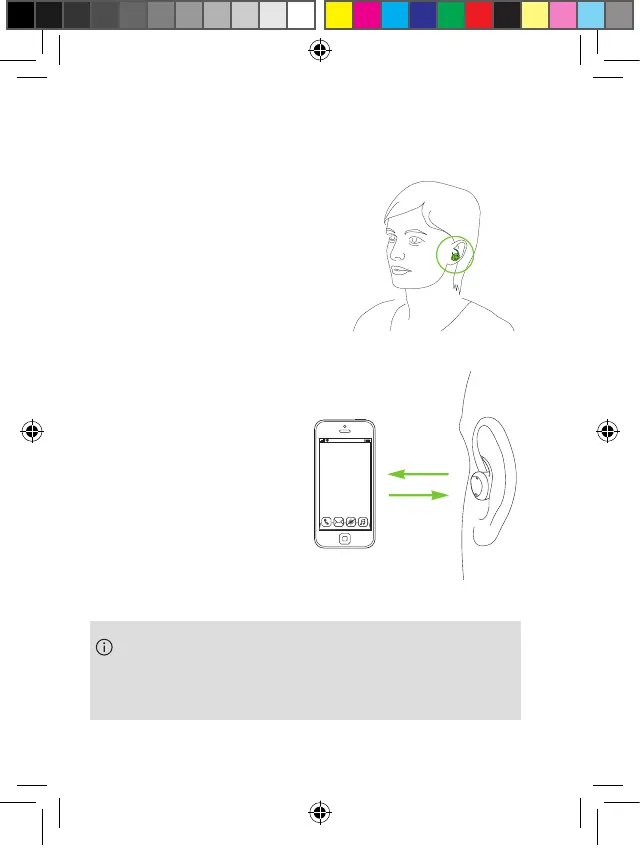
4. Insert the earbuds into both
ears. You will hear a
confirmation when
inserted.
5. The sound from
your phone will be
played through the
earbuds when
connected.
When you remove both earbuds from the ear, the
sound will be paused. This behavior can be
configured in the Phonak myEarbuds app.
PH_User_Guide_Earbuds_TWE21_92x125_GB_V1.00_029-3338-02.indd 13PH_User_Guide_Earbuds_TWE21_92x125_GB_V1.00_029-3338-02.indd 13 2021-05-11 8:49:13 AM2021-05-11 8:49:13 AM



 To Next Page