31
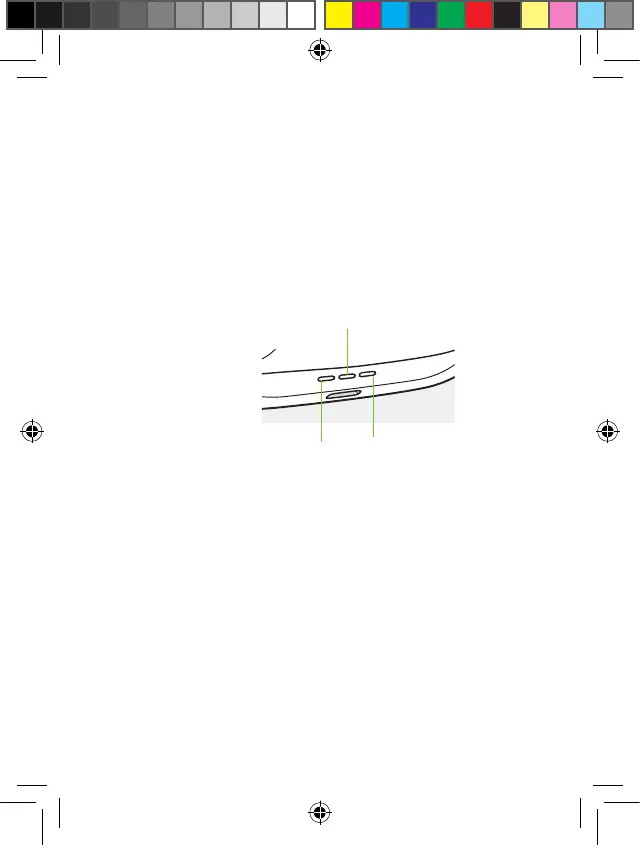
4.8 Battery status indicators
As soon as the earbuds are in the case their battery
state will be displayed.
Indicator lights respond when:
• Placing the earbuds into the charging case.
• Opening or closing the lid of the charging case.
• Plugging the power cable into a power source.
• When placing on a wireless Qi-charging pad.
Left earbud Right earbud
Charging case
PH_User_Guide_Earbuds_TWE21_92x125_GB_V1.00_029-3338-02.indd 31PH_User_Guide_Earbuds_TWE21_92x125_GB_V1.00_029-3338-02.indd 31 2021-05-11 8:49:15 AM2021-05-11 8:49:15 AM



 To Next Page