10 SUMMIT
PART THREE: NAVIGATING AND SELECTING
Operation of the SUMMIT is made easy through the use of the full colour touch screen. When rst activated, the main menu of the SUMMIT
will appear and users can jump directly to any particular function by touching the appropriate onscreen icon.
Start-up
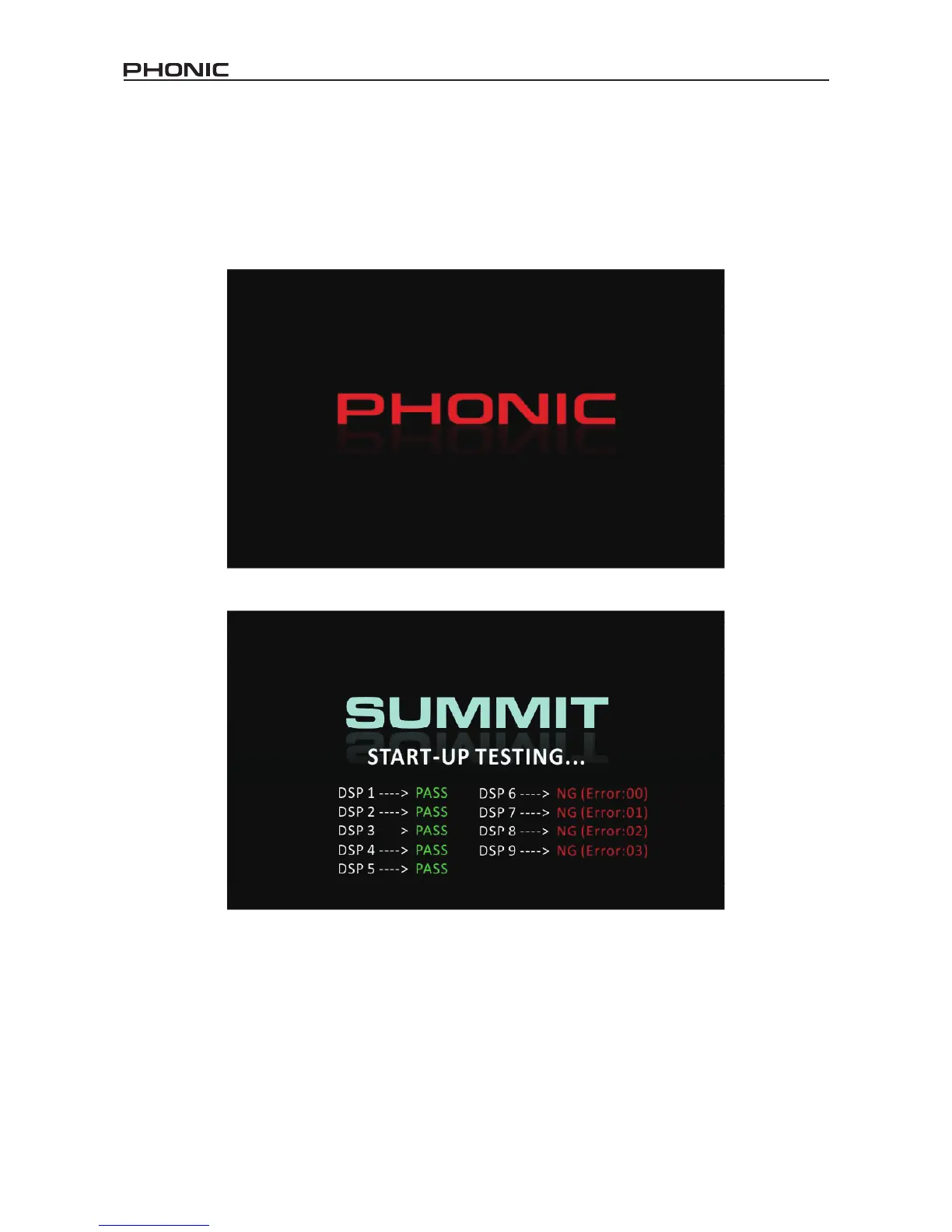
The SUMMIT takes around two minutes to start up. The rst screen users will see on the display is a red Phonic logo with a blue status
bar indicating the status of the start up process. After this is done, the display will show the status of the DSP check.
Power-On Self Test
As soon as you turn on Summit, its central processing unit begins to carry out the programming instructions contained in the basic input/
output system. The CPU is responsible for the following system and diagnostic functions:
• Loading software
• Performing initial hardware DSP checks
If you see any error codes pop up during the testing phase, please turn off the unit and remove the power supply. Wait a minute, then
replace the power supply and restart. This could rectify the problem. If the problem persists, however, please perform a system restore.


 To Next Page