8 SUMMIT
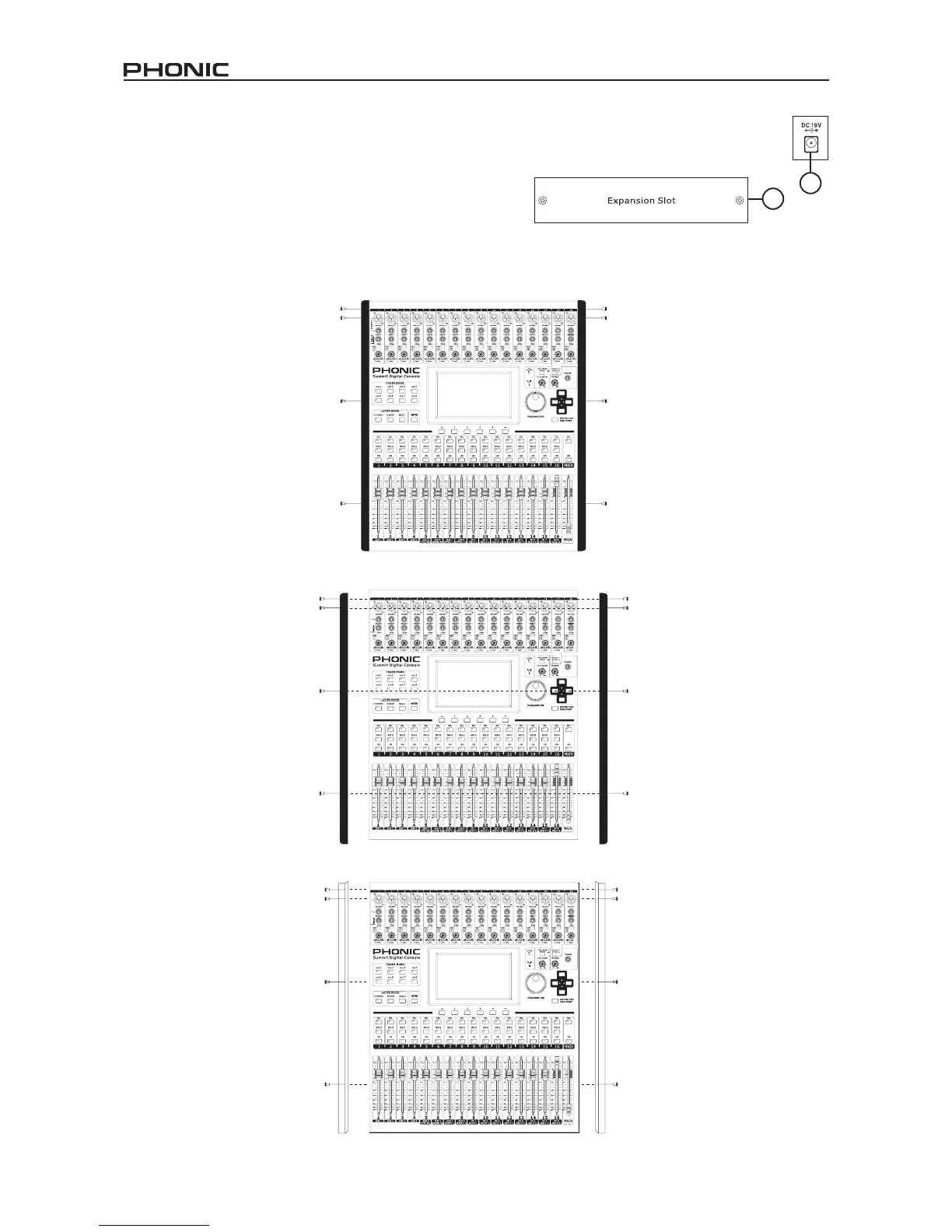
35. DC Power In
Connect the DC head of the included power supply to this port. The other end of the power supply should be connected to a
suitable AC power source. When connecting the DC head of the power supply to the SUMMIT, ensure to lock it into place using
the retaining clip to ensure the supply is not inadvertently removed.
36. Expansion Card Slot
This slot is for users to install the optional FireWire + USB expansion card.
Rack-mounting Kit
1. Remove the SUMMIT’s side-panels by unscrewing the six screws holding them in place.
2. Attach the rack ears and screw them into place.
36
35


 To Next Page