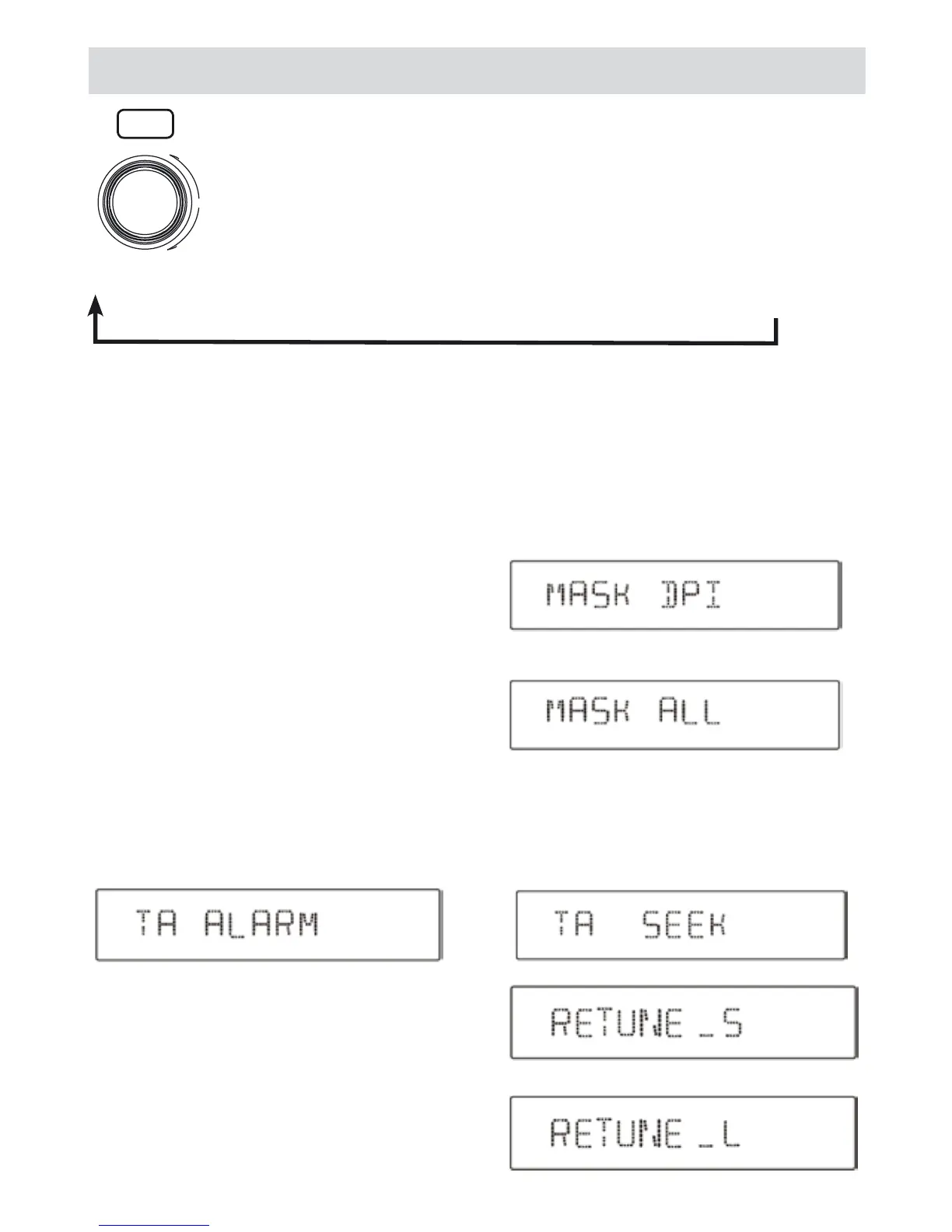
MASK MODE: Rotate the control to choose MASK DPI or MASK ALL mode.
In some cases, the AF function may be influenced by some interference, examples are signals with strong
field but without the RDS data. For this reason, the unit has two options to avoid the above interference.
MASK DPI mode:
only AF which has different program identification is ma-
sked.
MASK ALL mode:
The AF which has different program identification and NO
RDS signal with high field strength is masked.
RETUNE mode: Rotate the control to choose RETUNE-S
or RETUNE-L RETUNE-S or RETUNE-L is time length
selection of TA SEEK retune interval.
RETUNE-S: short, TA SEEK retune interval is 45 seconds.
RETUNE-L: long, TA SEEK retune interval is 180 seconds.
Remark: RETUNE mode functions for TA during TA
SEEK mode only.
RDS - Menu function
Press the MENU button for more than 2 seconds to enter the menu mode, then each press
changes the mode as follows:
TA ALARM mode:
Alarm is turned on.
TA SEEK mode:
TA SEEK is automatically activated.
TA MODE: Rotate the control to choose TA ALARM or TA SEEK mode. If the TA (traffic Announcements)is
turned on and there is no traffic program identification code received in the specified time, no TA/TP will di-
splay and either TA ALARM or TA SEEK will be activated.
DN
UP
VOL
MENU
TA ALARM VOL mode:
Rotate the knob to adjust TA volume level.
TA → MASK → TA VOL → RETUNE → DSP → ESP → MULT ON/OFF → LOUD ON/OFF → BEEP ON/OFF→
SEEK ½ → STEREO/MONO → LOCAL/DX → VOL
(ONLY IN TUNER MODE) (ONLY IN TUNER MODE) (ONLY IN TUNER MODE)



 To Next Page