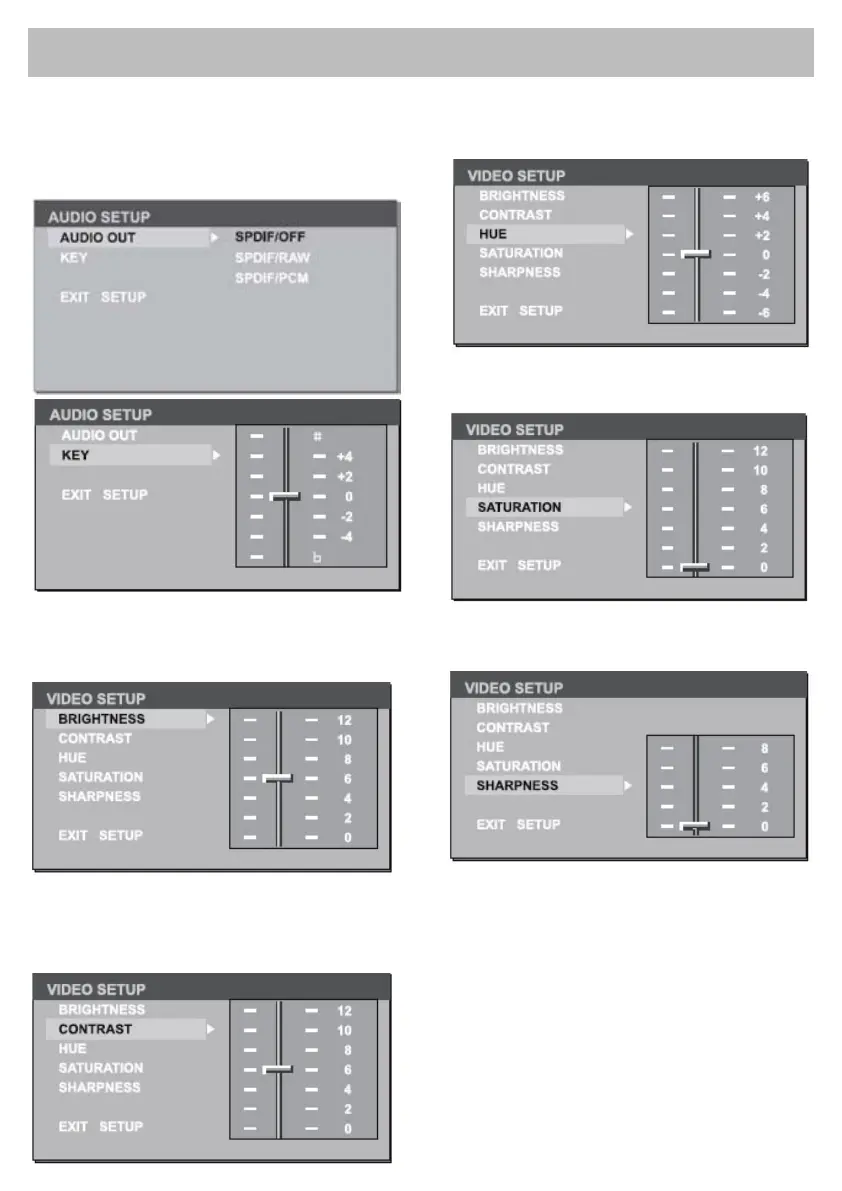
DVD Audio - Video Setup
Digital output setup
Brightness
Set the brightness of the video output with /.
Contrast
Set the contrast of the video output with /.
Hue
Set the hue of the video output with /.
Saturation
Set the saturation of the video output with /.
Sharpness
Set the sharpness of the video output with /..
THIS FUNCTION IS NOT AVAILABLE



 To Next Page