9
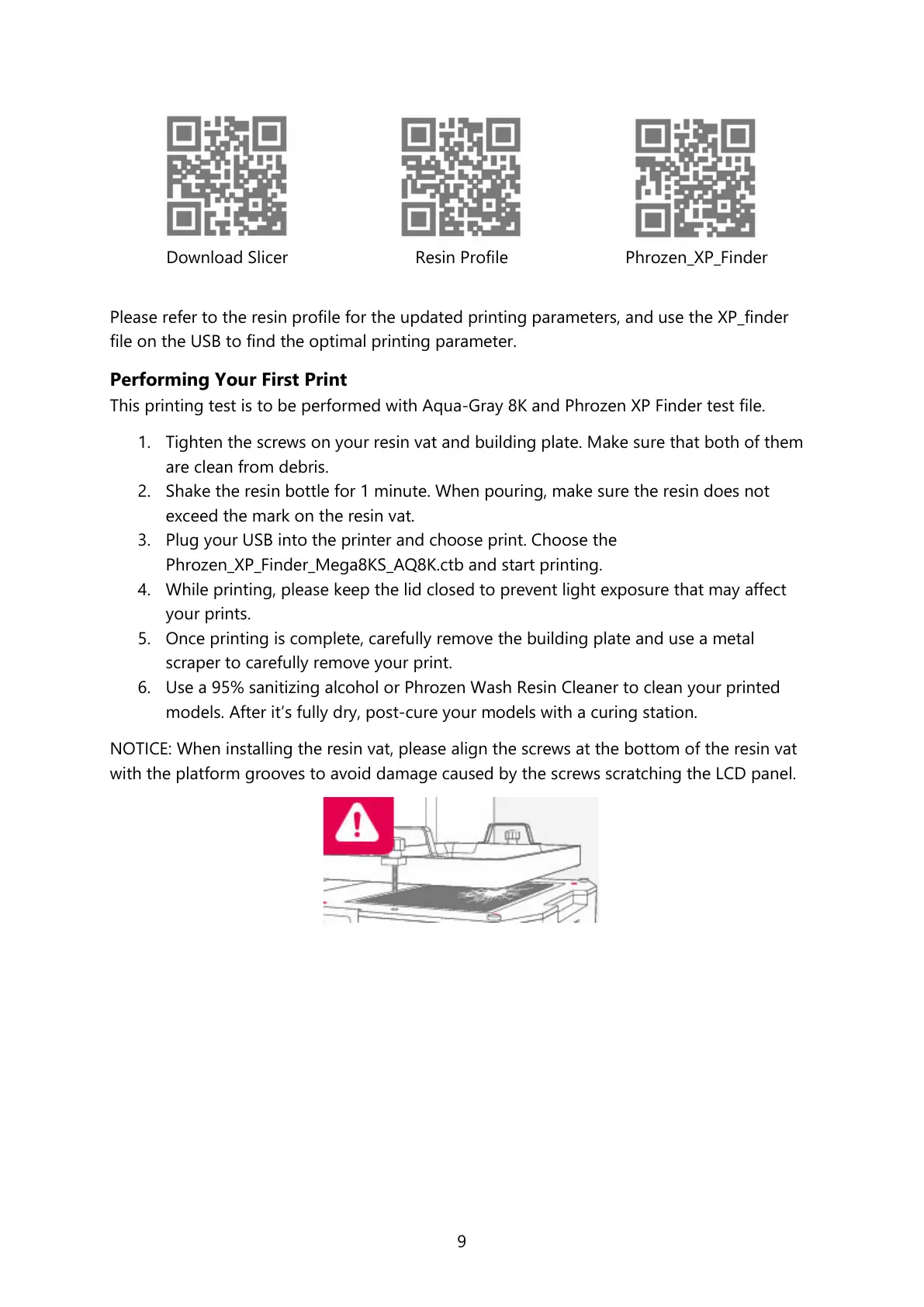
Please refer to the resin profile for the updated printing parameters, and use the XP_finder
file on the USB to find the optimal printing parameter.
Performing Your First Print
This printing test is to be performed with Aqua-Gray 8K and Phrozen XP Finder test file.
1. Tighten the screws on your resin vat and building plate. Make sure that both of them
are clean from debris.
2. Shake the resin bottle for 1 minute. When pouring, make sure the resin does not
exceed the mark on the resin vat.
3. Plug your USB into the printer and choose print. Choose the
Phrozen_XP_Finder_Mega8KS_AQ8K.ctb and start printing.
4. While printing, please keep the lid closed to prevent light exposure that may affect
your prints.
5. Once printing is complete, carefully remove the building plate and use a metal
scraper to carefully remove your print.
6. Use a 95% sanitizing alcohol or Phrozen Wash Resin Cleaner to clean your printed
models. After it’s fully dry, post-cure your models with a curing station.
NOTICE: When installing the resin vat, please align the screws at the bottom of the resin vat
with the platform grooves to avoid damage caused by the screws scratching the LCD panel.









 To Next Page