Change configuration
Getting started Modular safety relay,myPNOZ
1005615-EN-02
| 20
10 Change configuration
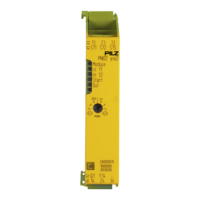
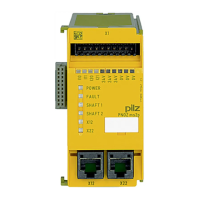
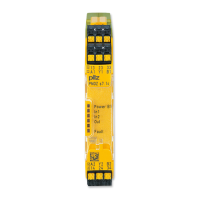
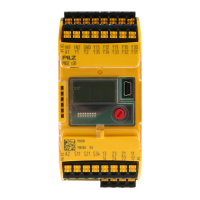
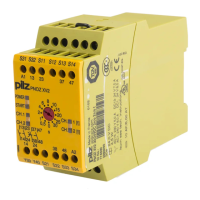
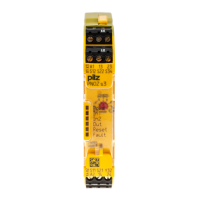
Expansion modules can be exchanged or expansion modules can be removed or added.
The settings on the rotary switches can be changed. Always refer to the rules for the struc-
ture of the myPNOZ.
Procedure:
1. Set the rotary switch System on the head module to Conf. All the outputs are switched
off.
2. You can now make the following changes:
– Exchange expansion modules or insert new expansion modules
– Change or reset the start type on the rotary switch mode
3. If you have not already done so, switch on the supply voltage.
4. Save the configuration: If the rotary switch System on the head module is set to Conf,
the changed configuration will automatically be saved if no changes are made for 5 s. If
the set configuration is faulty, all the module LEDs will flash orange-green and the func-
tion LEDs will indicate the reason for the faulty configuration (see
Diagnostics [ 21]). The configuration was not saved. Correct the configuration and
save it again.
5. Set the rotary switch System to Run and check the safety functions.


 To Next Page
 Loading...